EmbedDraw 3.2 — Embed Professional Visual Editors
Inside Your Delphi Applications
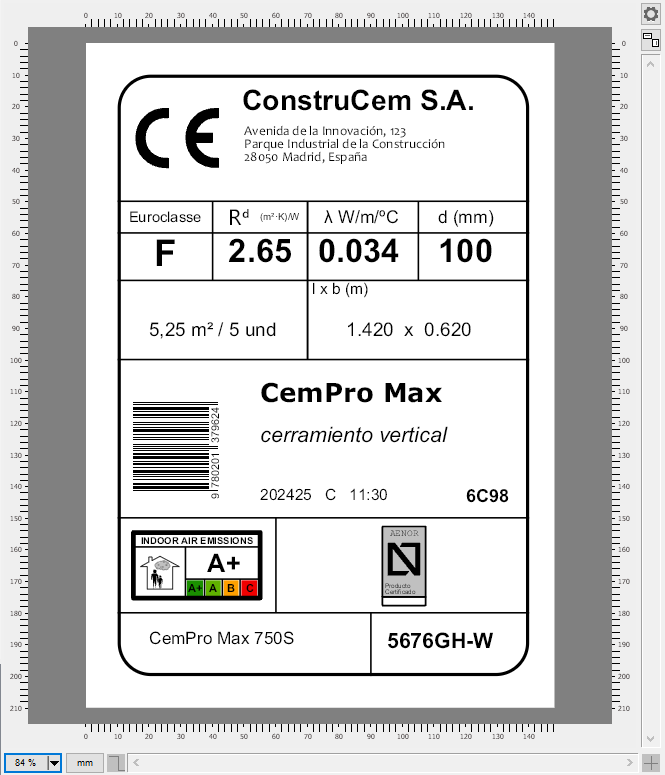
EmbedDraw 3.2 — formerly known as PLABEL — is a complete component suite for Delphi that lets your users design labels, build flowcharts and create technical drawings, all inside your app. Version 3.2 adds Mermaid and PlantUML diagram import, symbol animation along paths, GML and GPX geospatial files, and a built-in MCP server so AI assistants can drive the editor.
TEDW prefix (TEmbedDrawVCL, TEmbedDrawFMX, TEDWEditor…).
Existing PLABEL customers upgrade with their usual update license.
What's New in Version 3.2
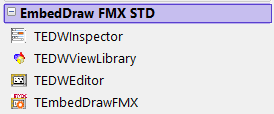
- New name — the PLABEL component suite is now EmbedDraw: new palette (EmbedDraw VCL STD / EmbedDraw FMX STD) and
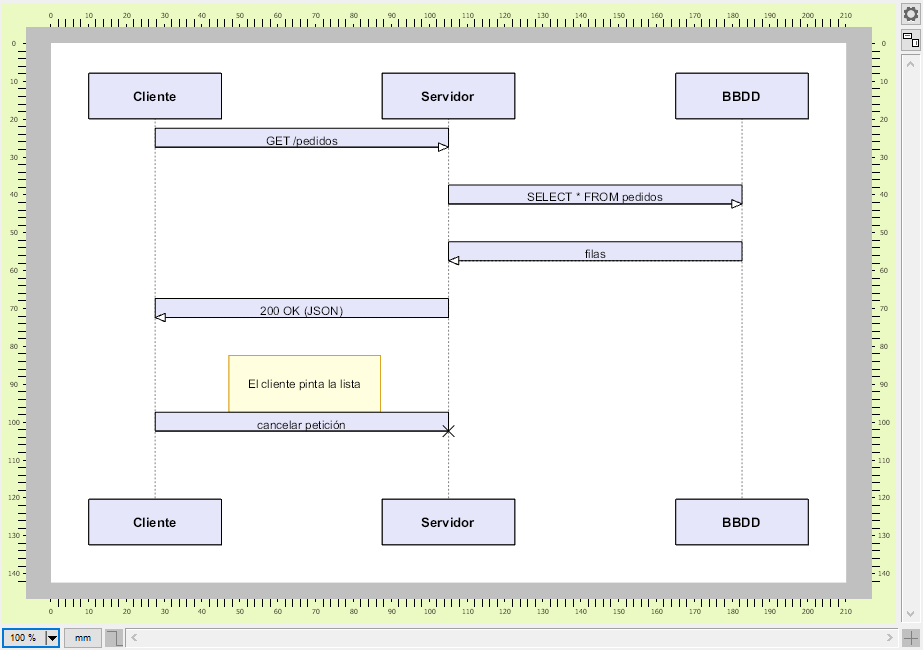
TEDWclass prefix. - Mermaid and PlantUML import — turn a text diagram into fully editable flowchart and sequence drawings with
LoadFromDiagram/LoadFromDiagramText. - Symbol animation along paths — move
TEDWSymbolelements over lines, arcs and Bézier trajectories for interactive schematics and process simulations. - GML support — load and display Geography Markup Language files.
- GPX support — load and display GPS tracks, routes and waypoints.
- Built-in MCP server (
TEDWMCPServer) — expose the editor over the Model Context Protocol so an AI assistant can create, modify and export drawings. - AI Tools — ready-made client for Anthropic (Claude), OpenAI, Google Gemini and OpenRouter, with native tool-calling support.
- Consolidated demos — a single All demo project plus a dedicated Diagrams sample, easier to explore and to keep up to date.
- Updated developer and end-user documentation with the v3.2 manuals.
EmbedDraw VCL 3.2
EmbedDraw FMX 3.2
Version 3.2 Features
Mermaid & PlantUML Import
Load a .mmd or .puml file — or a string already in memory — and
EmbedDraw converts it into native TEDWFlow and TEDWLink items that your users
can edit, print and export like any other drawing. Flowcharts and sequence diagrams are supported,
with automatic level layout and format auto-detection.
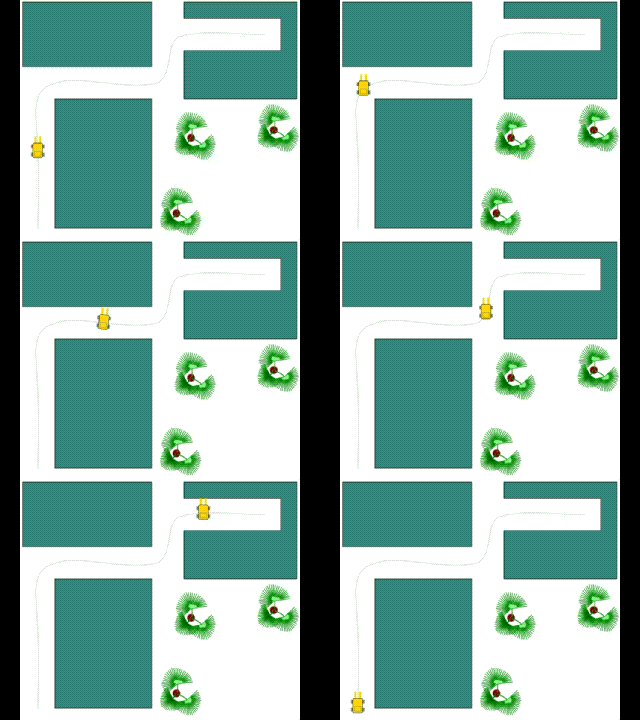
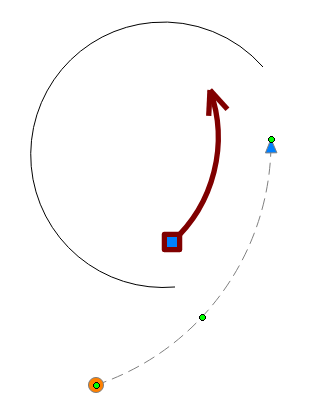
Symbol Animation Along Paths
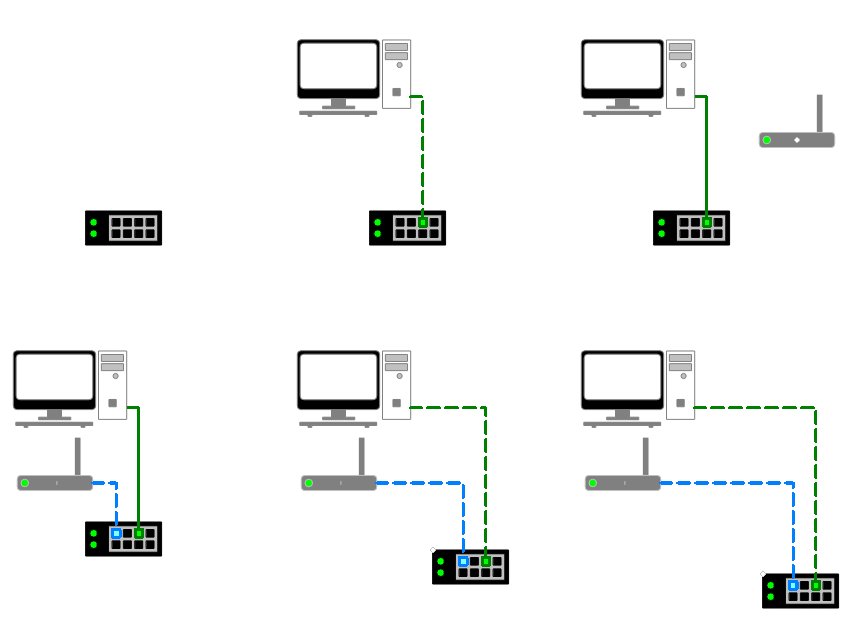
Animate TEDWSymbol elements along a geometric trajectory built from lines, arcs and
Bézier segments, with per-symbol speed control and a shared update timer. Ideal for interactive
schematics, process simulations, circuits and installation diagrams. Requires the interactive
editor mode (emInteractive), which keeps users from moving the animated items by hand.
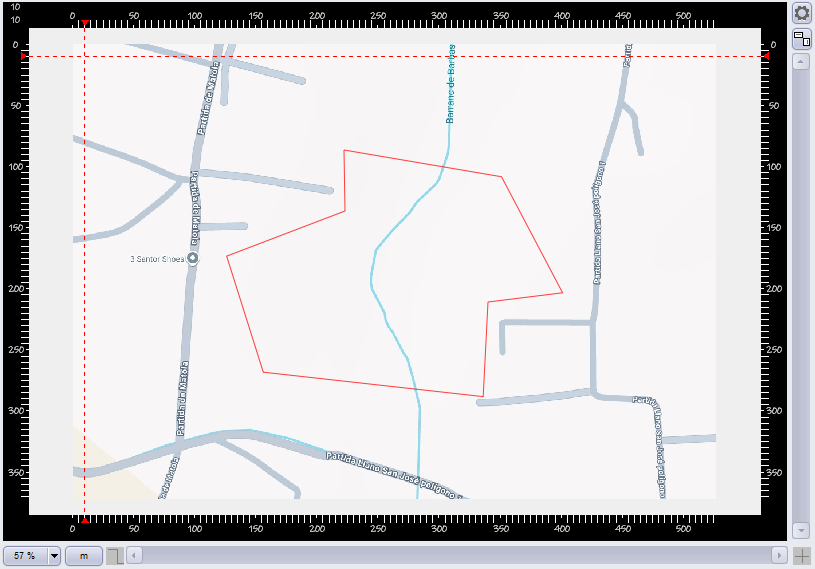
GML Files
Read Geography Markup Language files and render their geometries as editable drawing elements, ready to combine with the online map backgrounds already available in the editor.
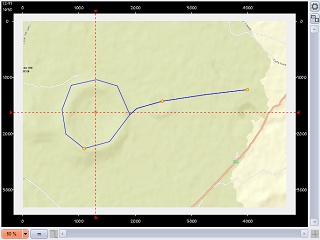
GPX Tracks & Routes
Load GPS Exchange Format files to display tracks, routes and waypoints over a map layer — useful for field reports, plot delimitation and logistics documentation.
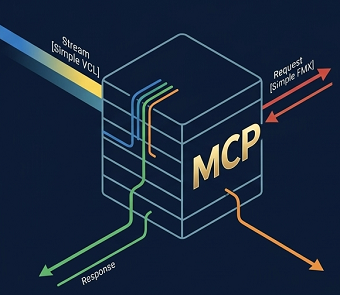
MCP Server (TEDWMCPServer)
Drop TEDWMCPServer on your form and your application exposes the editor over the
Model Context Protocol (JSON-RPC 2.0 over streamable HTTP). AI assistants can then call tools such as
create_item, modify_item, list_layers, load_diagram
or export_document to build and export drawings on their own.
AI Tools
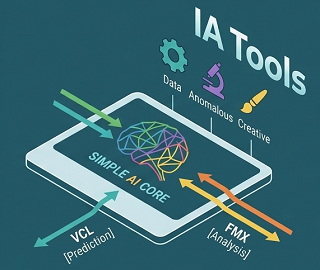
A ready-made AI client (TMCPAIClient) that talks to Anthropic (Claude), OpenAI,
Google Gemini and OpenRouter using each provider's native request, response and tool-calling format —
so you can add "describe the drawing you need" features without writing any HTTP plumbing.
Core Features
Cross-Platform with FireMonkey
EmbedDraw ships with full FireMonkey (FMX) support, bringing your label and diagram designs to cross-platform targets alongside the traditional VCL framework for 32-bit and 64-bit Windows — with the same unified API on both.
Skia Graphics Engine
Powered by Skia (via Skia4Delphi), the same open-source 2D engine behind Google Chrome and Android, ensuring smooth, professional and scalable rendering across every platform.
Print, Preview & Export
Built-in print preview with export to PDF, SVG and raster image formats.
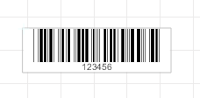
1D & 2D Barcode Suite
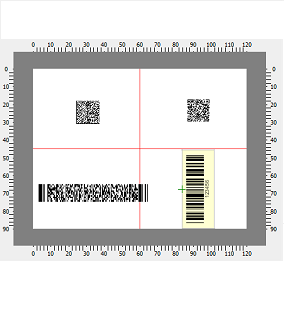
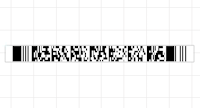
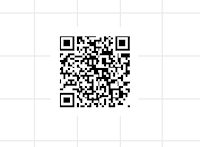
QR Code, DataMatrix, PDF417 and classic barcodes — ready to print.
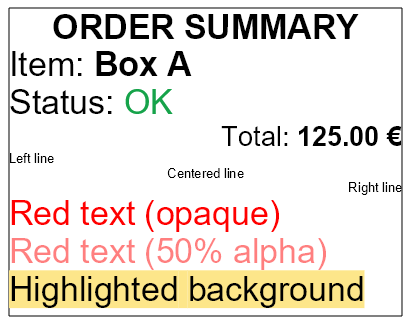
Rich Text (TEDWRichText)
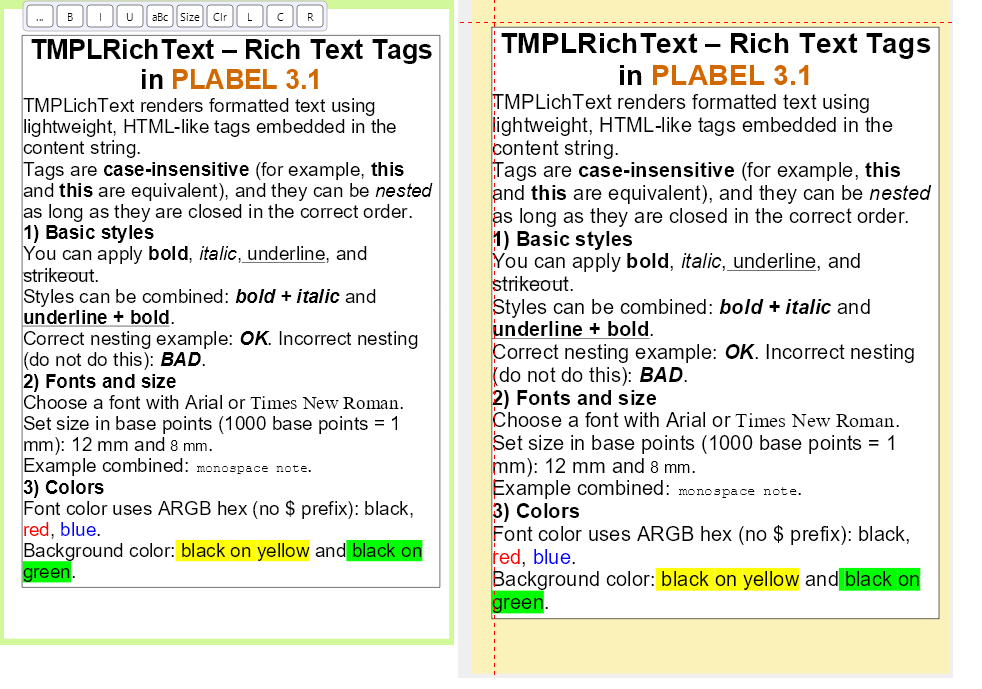
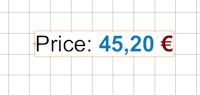
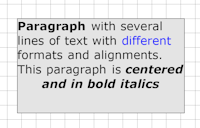
The TEDWRichText element lets you mix fonts, colors, styles (bold, italic, underline) and per-line alignment within a single text block using simple markup tags — available in both VCL and FMX.
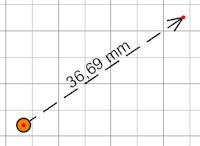
Advanced CAD Dimensions
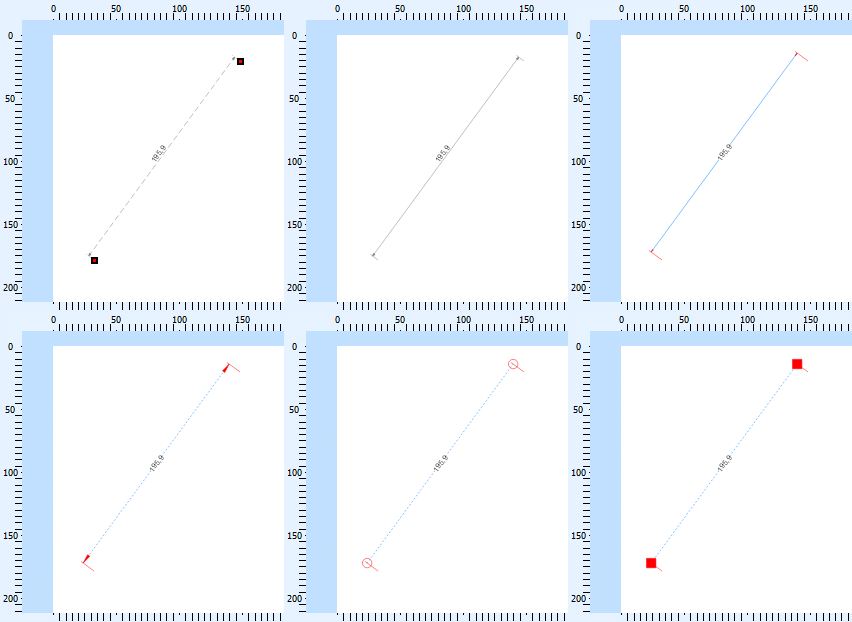
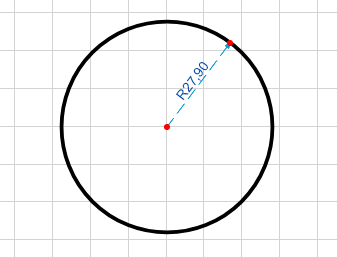
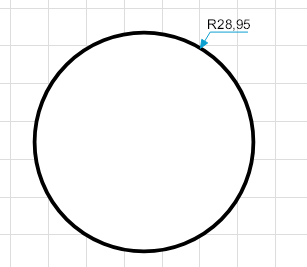
Magnetic tangent and perpendicular snaps plus dedicated dimension styles for radii, diameters and angles between lines for precise technical drawings.
Reusable Symbol Libraries
Create, store and reuse symbols with connectors and link points.
Online Map Integration
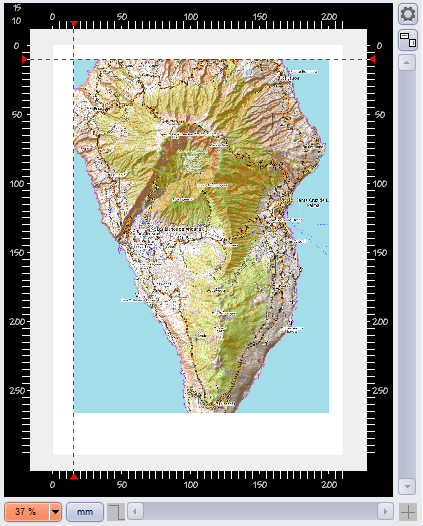
Assign live map imagery from Google Maps or OpenStreetMap as layer or image backgrounds — configure latitude, longitude, zoom level and map type directly in the editor.
Flexible Data Binding
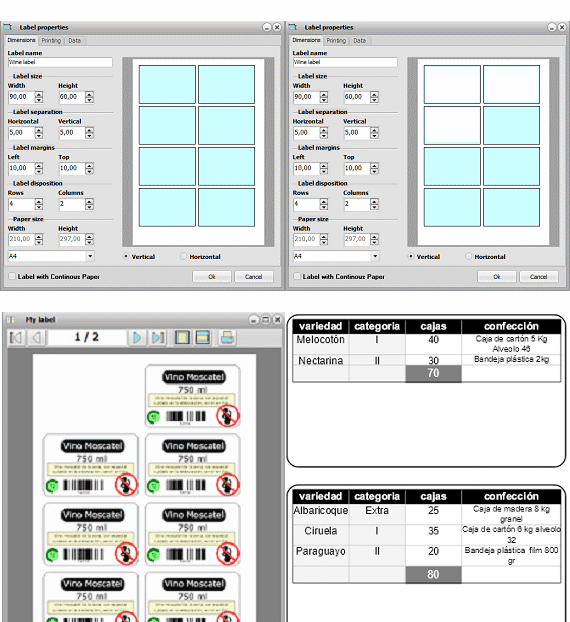
Connect barcode, text and image elements to TDataSet (SQL, SQLite…), JSON and CSV data sources — with repeat-field support for printing multiple labels per record.
Layer Management
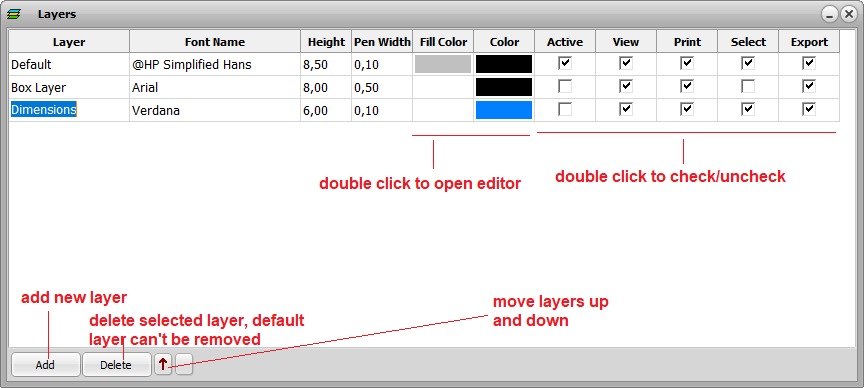
Organize designs with multiple drawing layers. Each layer can be independently configured for visibility, selectability, printability and inclusion in PDF, SVG or image exports.
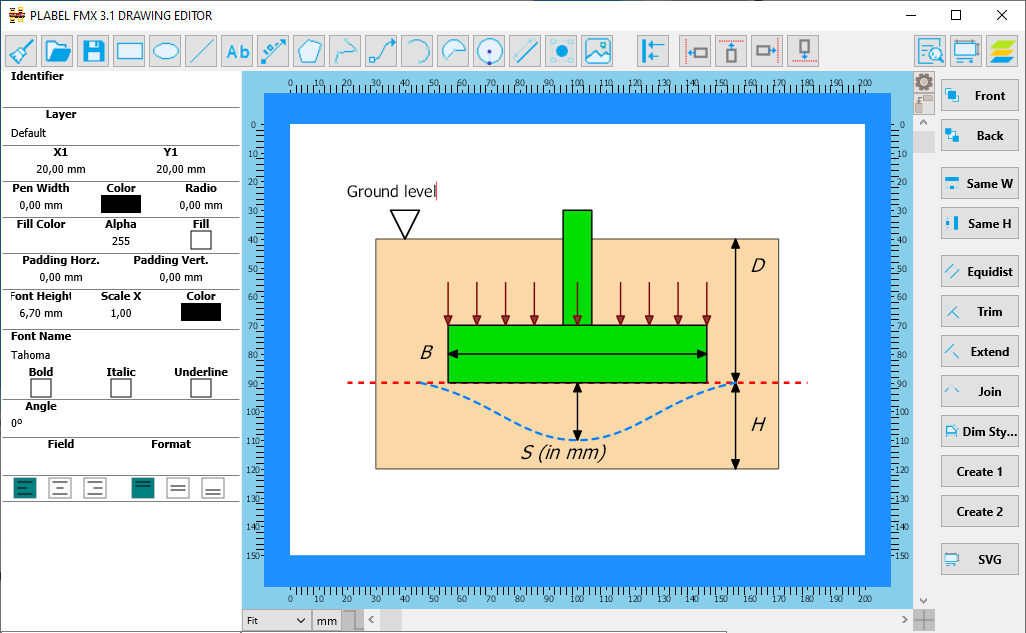
Custom Object Inspector
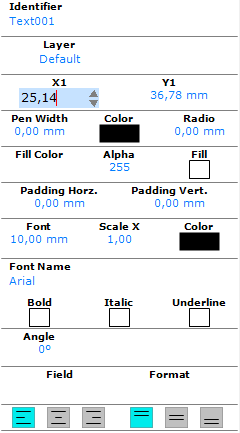
A fully customizable property inspector that lets users view and edit every attribute of the selected element — colors, dimensions, fonts, data bindings and more — directly at design time.
Label Rotation
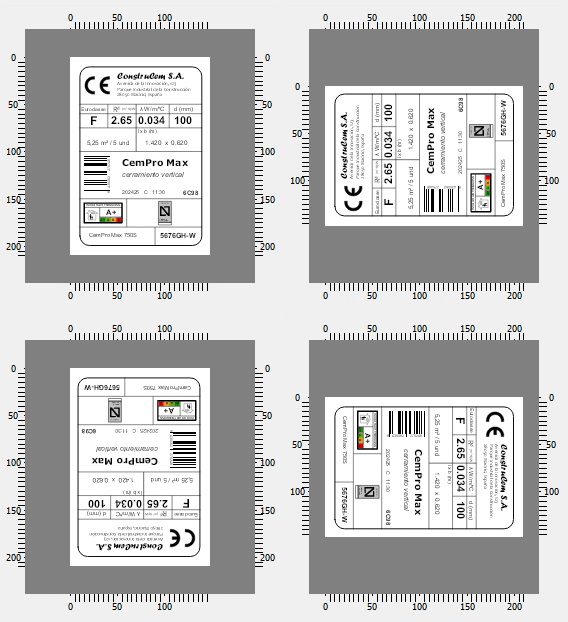
Rotate any element or entire label freely to any angle, enabling vertical text, angled layouts and precise positioning for complex designs.
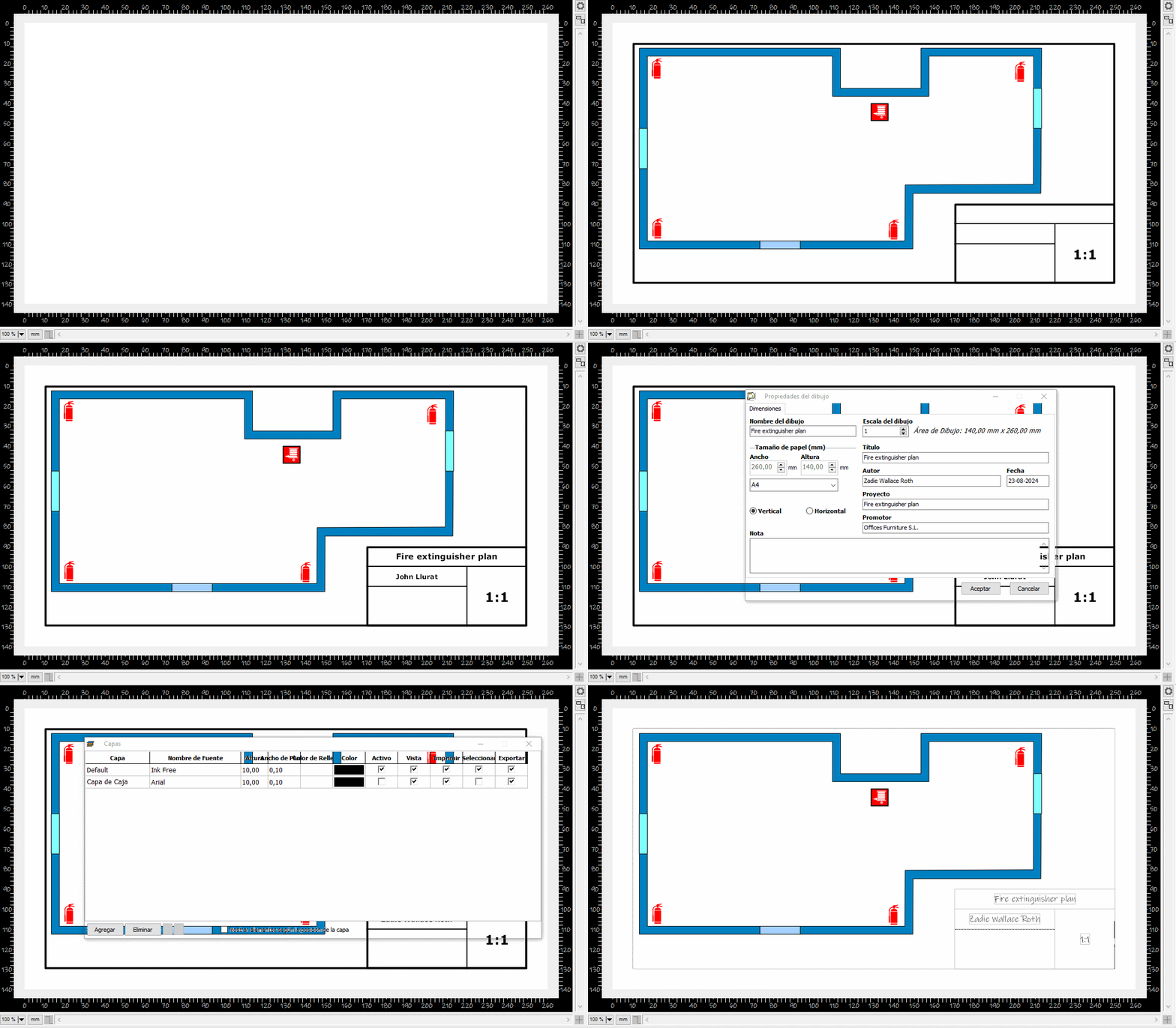
Drawing Title Block
Add a professional title block (cajetín) to your technical drawings with customizable fields for project name, author, date, revision and scale information.
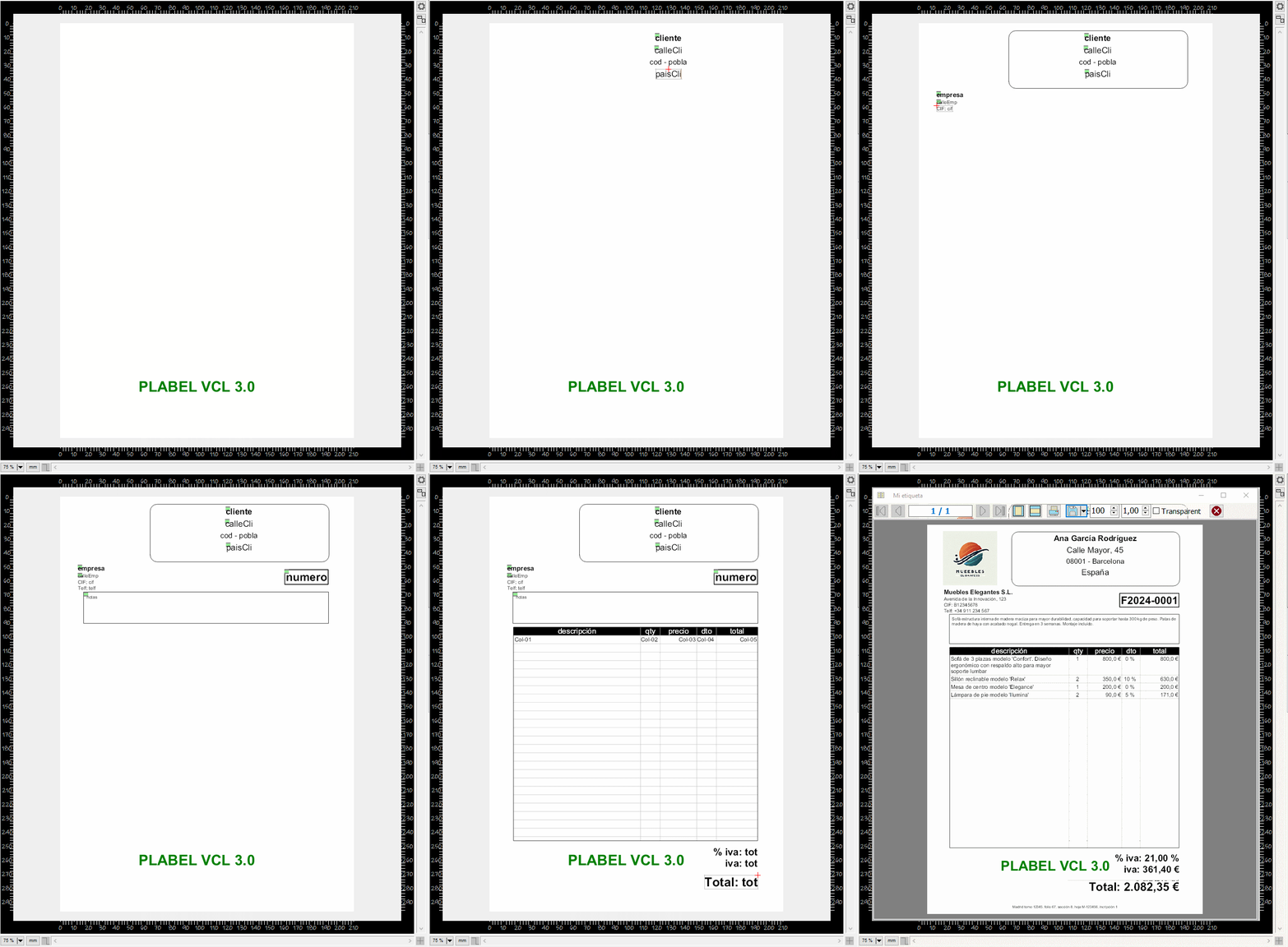
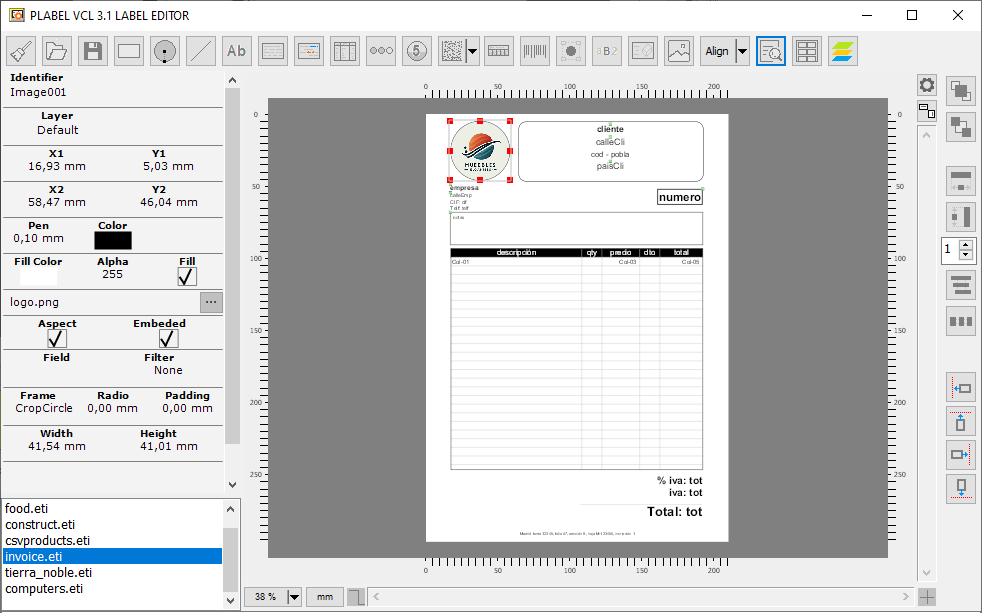
Single-Page Reports
Use the editor components to design single-page reports such as invoices, certificates or summary sheets — combining text, images, barcodes and data binding in one layout.
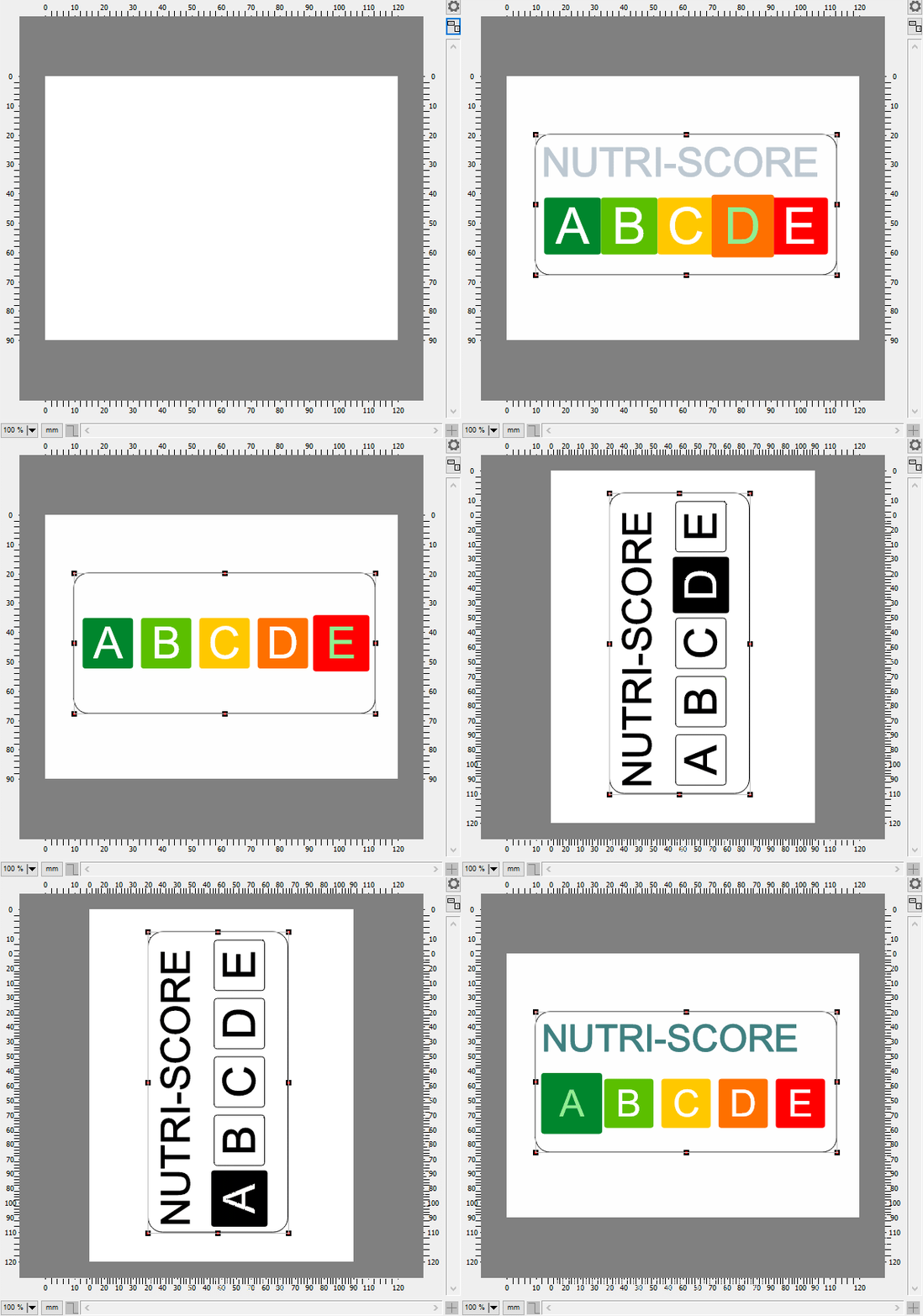
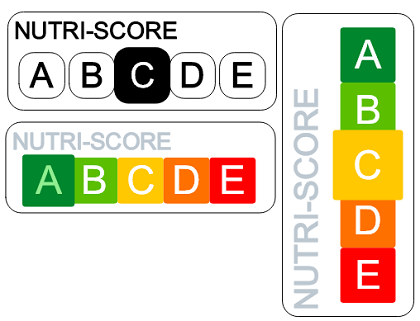
NutriScore Symbols
Built-in NutriScore element for food labelling — automatically renders the official colour-coded nutritional rating scale ready for compliant packaging designs.
30+ Drawing Elements (VCL & FMX)
Every element supports data binding, serialization and consistent manipulation through a unified API.
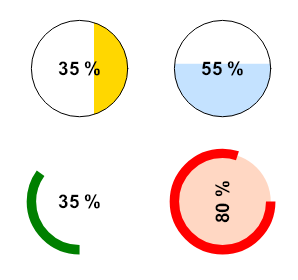
Arc
Arrow Line
Barcode
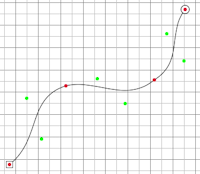
Bezier
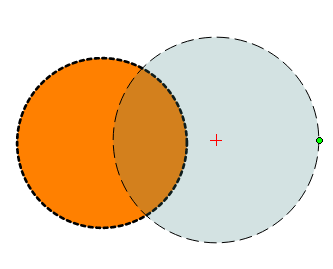
Circle
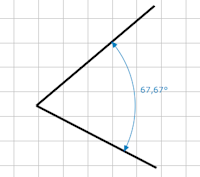
Angular Dim
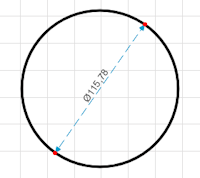
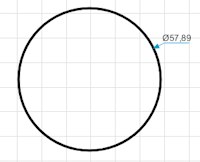
Diameter Dim 1
Diameter Dim 2
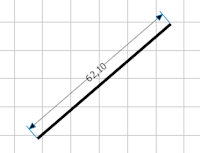
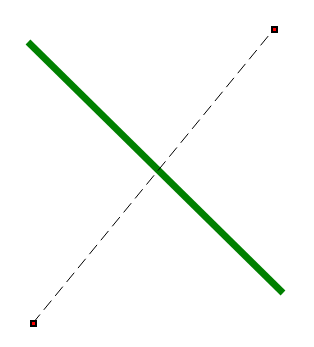
Dimension
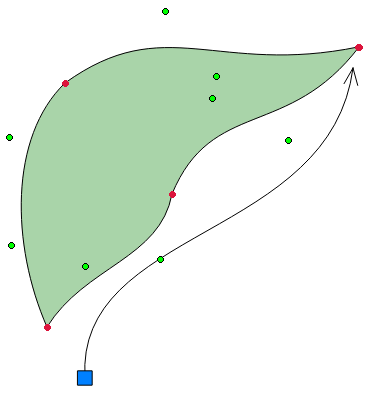
Draw Bezier
DataMatrix
Ellipse
RichText
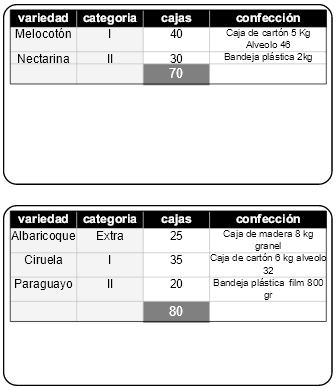
Table
Image
Level
Lines
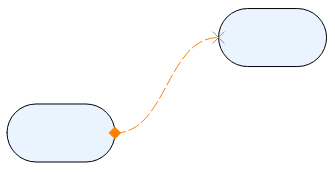
Curved Link
NutriScore
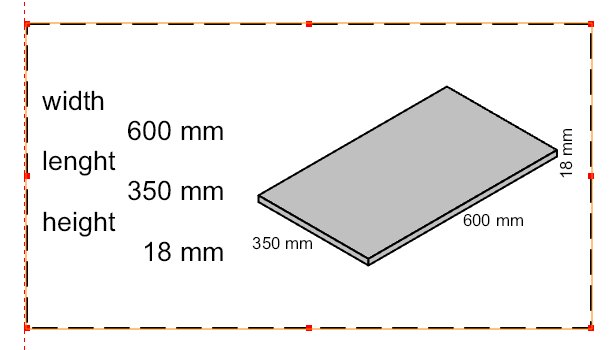
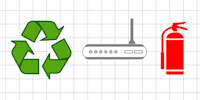
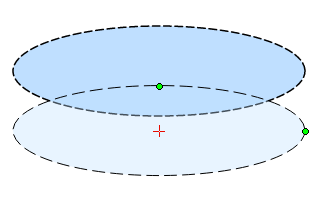
Package
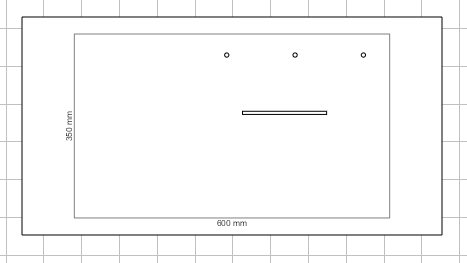
Package Drill
PDF417
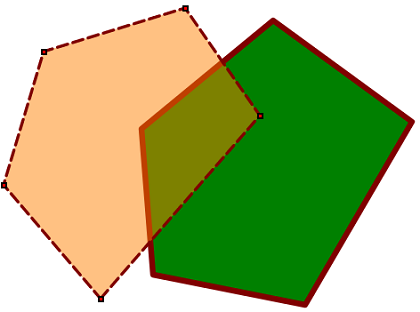
Polygon
PolyText
QR Code
Radial Dim 1
Radial Dim 2
Rank
Rich Text
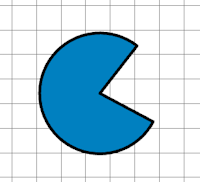
Sector
Symbol
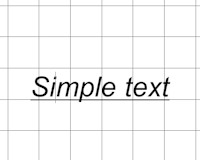
Text
Try the VCL Demos
- Label editor — Download VCL Label Demo
- Flowchart editor — Download VCL Flowchart Demo
- Technical drawing — Download VCL Drawing Demo
- WebBroker sample — Download VCL WebBroker Demo
- Generate SVG by code — Download VCL GenSVG Demo
Try the FMX Demos
- Label editor (FMX) — Download FMX Label Demo
- Flowchart editor (FMX) — Download FMX Flowchart Demo
- Technical drawing (FMX) — Download FMX Drawing Demo
Purchase EmbedDraw VCL 3.2
Secure checkout via Stripe. Promotion codes are available only for new licenses on the Stripe checkout page. Please read the license agreement before purchasing.
Update licenses — who can buy them
The Update prices below apply only to customers who bought a version earlier than 3.0 of these components (then called PLABEL) through Share-it. If that is not your case, please buy a new license from the section below instead.
To validate an update purchase you must provide both of these:
- The registration e-mail address used in your original Share-it order.
- The Share-it purchase ID (order reference) of that same order.
Send both to EmbedDraw@mesurasoft.com after completing the checkout. Update licenses cannot be issued without this data.
Update — Share-it customers of versions prior to 3.0
VCL 3.2 — One Developer Update
160 €
Managed Payments checkout enabled for update licenses.
VCL 3.2 — Team Update (up to 5 developers)
320 €
Managed Payments checkout enabled for update licenses.
New license — everyone else
VCL 3.2 — One Developer
280 €
Promotion codes supported at checkout.
VCL 3.2 — Team (up to 5 developers)
680 €
Promotion codes supported at checkout.
Purchase EmbedDraw FMX 3.2
Secure checkout via Stripe. FMX is available as a new license only — there is no update price, because FireMonkey support did not exist in the Share-it versions. Promotion codes are supported on the Stripe checkout page. Please read the license agreement before purchasing.
FMX 3.2 — One Developer
280 €
Promotion codes supported at checkout.
FMX 3.2 — Team (up to 5 developers)
680 €
Promotion codes supported at checkout.
Migrating a 3.0 or 3.1 Project to 3.2
Because the components were renamed, a project written against 3.0 or 3.1
will not compile as is: the classes changed from the TMPL prefix to
TEDW. The migration kit does that rewrite for you — unzip it into
your project folder and run it.
It scans every .pas, .dfm and .fmx file in the folder and its subfolders, and updates:
- 160 class names, from
TMPLArc,TMPLBaseLabel… toTEDWArc,TEDWBaseLabel… - The main components:
TMPLabelVCLandTMPLabelFMXbecomeTEmbedDrawVCLandTEmbedDrawFMX. - The
PLabelproperty of the editor, inspector, library viewer and preview, which is nowEmbedDraw— both in code and inside the form files.
The rename table is explicit, not a blind prefix replacement, so the TMPL types that
still exist in 3.2 (TMPLUnits, TMPLItemType, TMPLPto,
TMPLEditorMode, TMPLayerOpts…) are left untouched.
Your uses clauses need no changes either: the unit names (MPL.Base,
MPL.Text…) are the same as in earlier versions.
Update_3_1_TO_3_2.zip · Windows
Usage
Migrar_EmbedDraw_3_2.bat Migrar_EmbedDraw_3_2.bat C:\MyProject Migrar_EmbedDraw_3_2.bat C:\MyProject /n Migrar_EmbedDraw_3_2.bat C:\MyProject /s
With no argument it works on the current folder. /n is a dry run that reports
what would change without writing. A timestamped backup is created before touching anything;
/s skips it. Delphi's __history and __recovery folders are ignored.
Documentation
Questions about licensing, downloads or the components? Write to EmbedDraw@mesurasoft.com.
Demo Installers by Delphi Version
Choose your Delphi version and download the demo installer for VCL or FMX.
| Delphi Version | VCL Demo | FMX Demo |
|---|---|---|
| Delphi 10 | Download VCL | Download FMX |
| Delphi 10.1 | Download VCL | Download FMX |
| Delphi 10.2 | Download VCL | Download FMX |
| Delphi 10.3 | Download VCL | Download FMX |
| Delphi 10.4 | Download VCL | Download FMX |
| Delphi 11 | Download VCL | Download FMX |
| Delphi 12 Athens | Download VCL | Download FMX |
| Delphi 13 Florence | Download VCL | Download FMX |