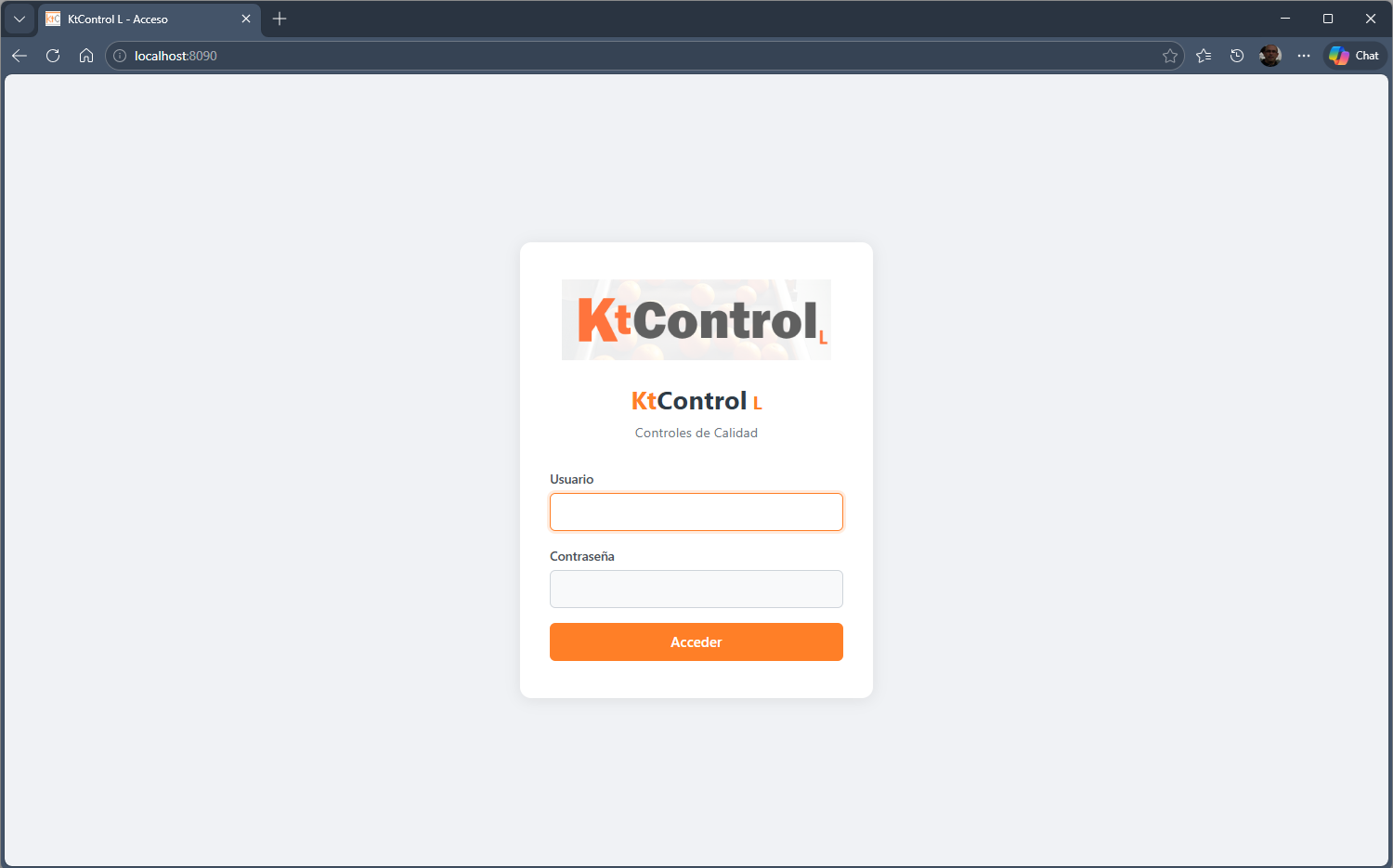
System access
Initial KtControl login screen with username and password.
KtControl L covers administration, template design, check execution, incidents, photos, final review and document printing from a local installation.
The user registers, downloads the setup, installs the Windows service and then opens http://localhost:8090 with their username and password.
Initial KtControl login screen with username and password.
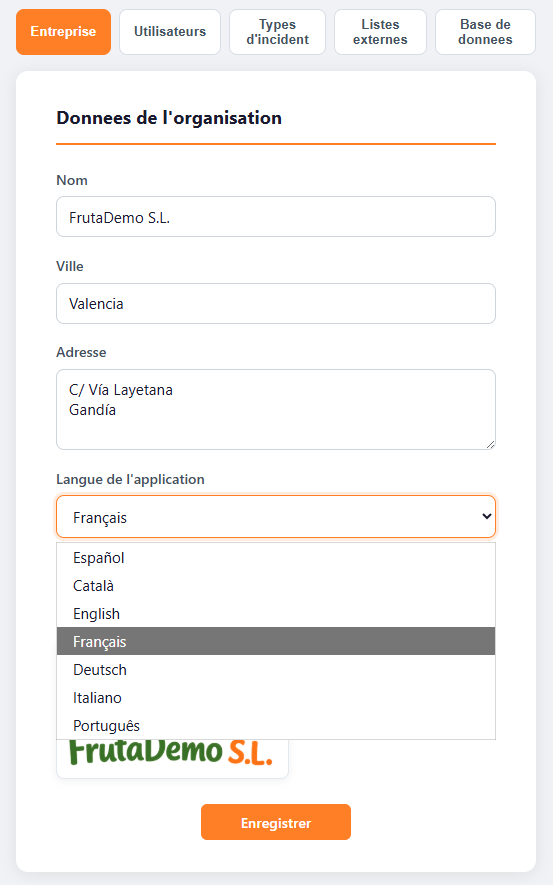
From Company settings you can change the full application language.
The company, users, permissions, incidents, backups and external list blocks missing from the reduced help are restored here.
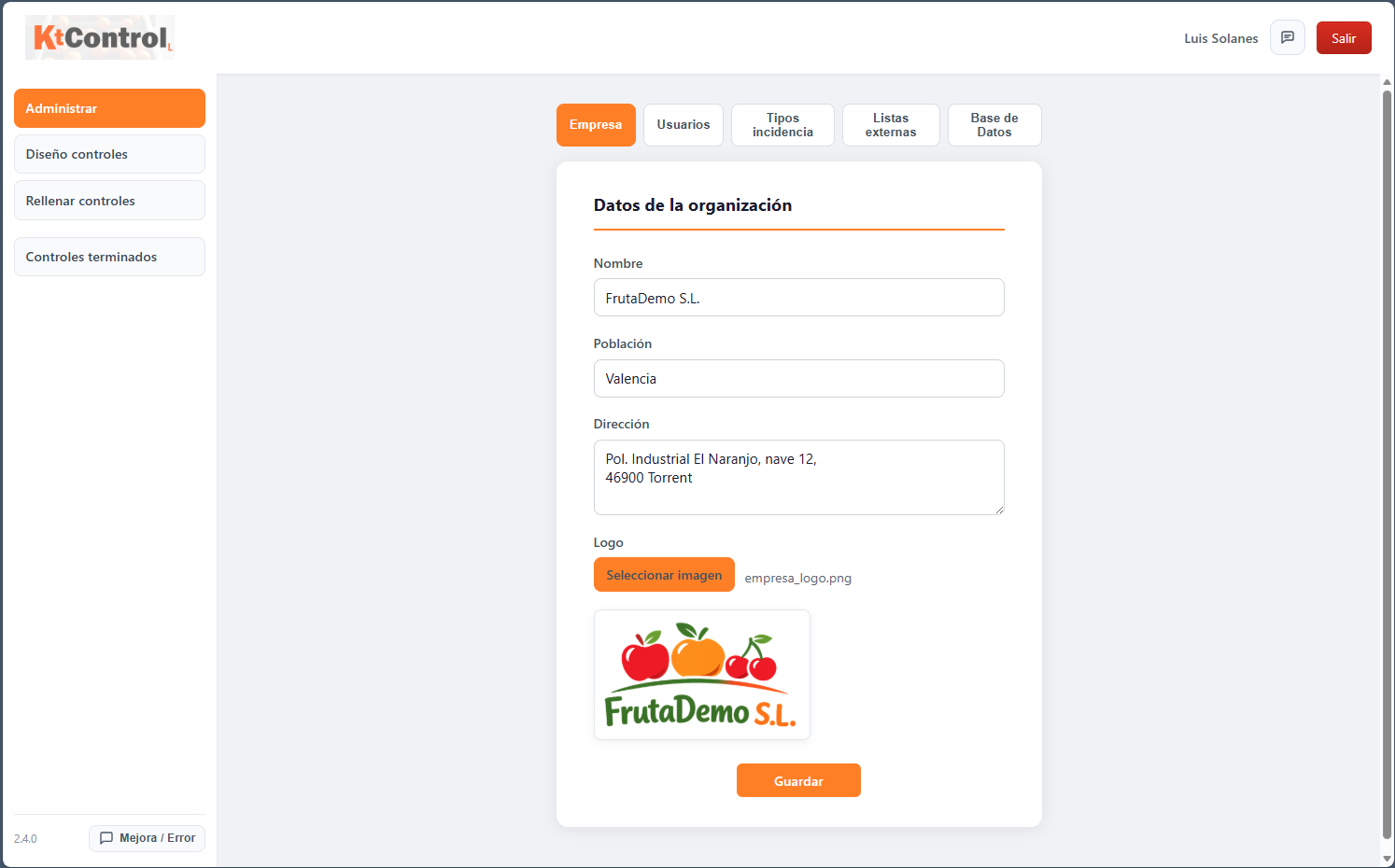
General company data and active language.
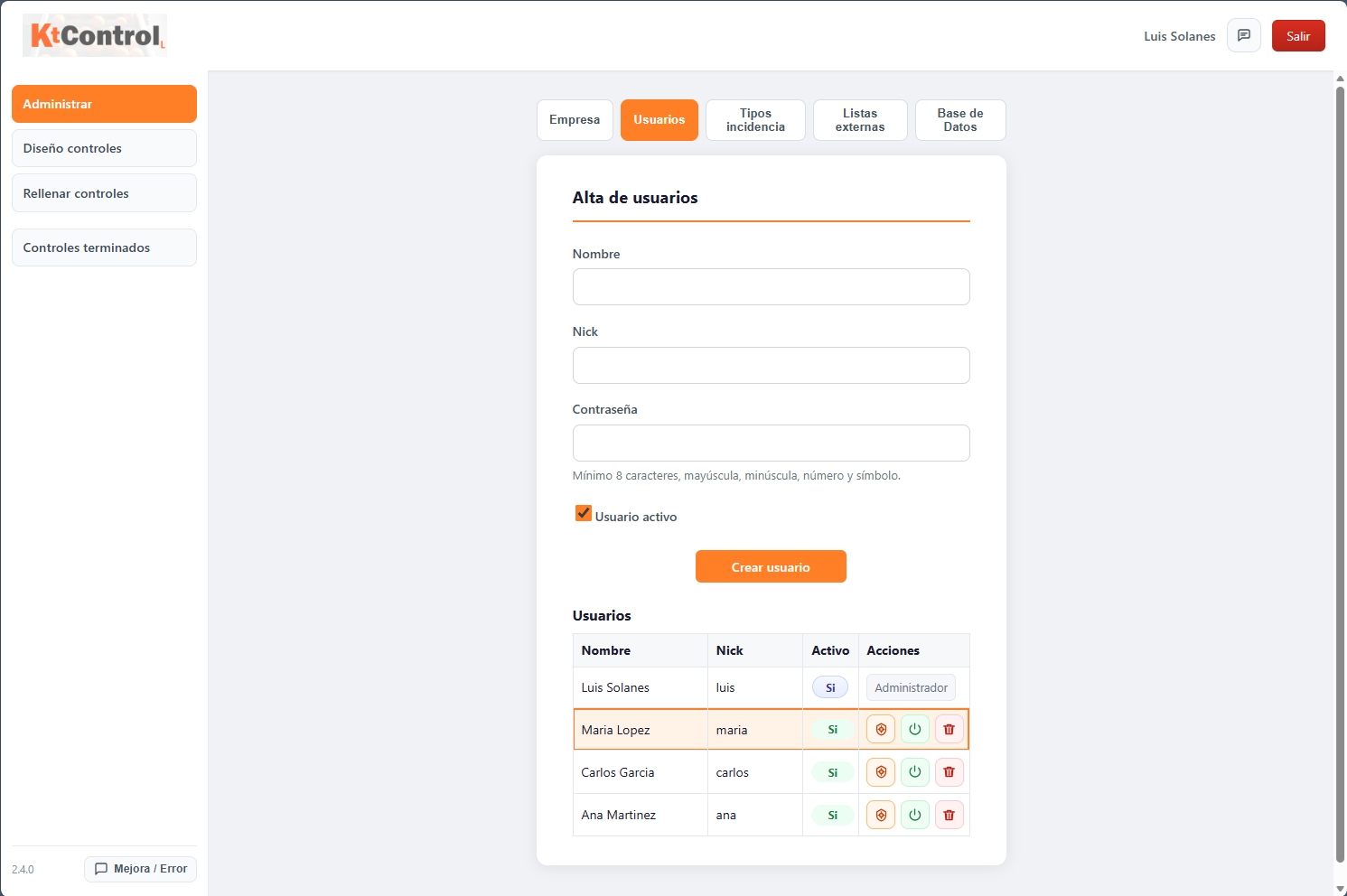
Creation and maintenance of system users.
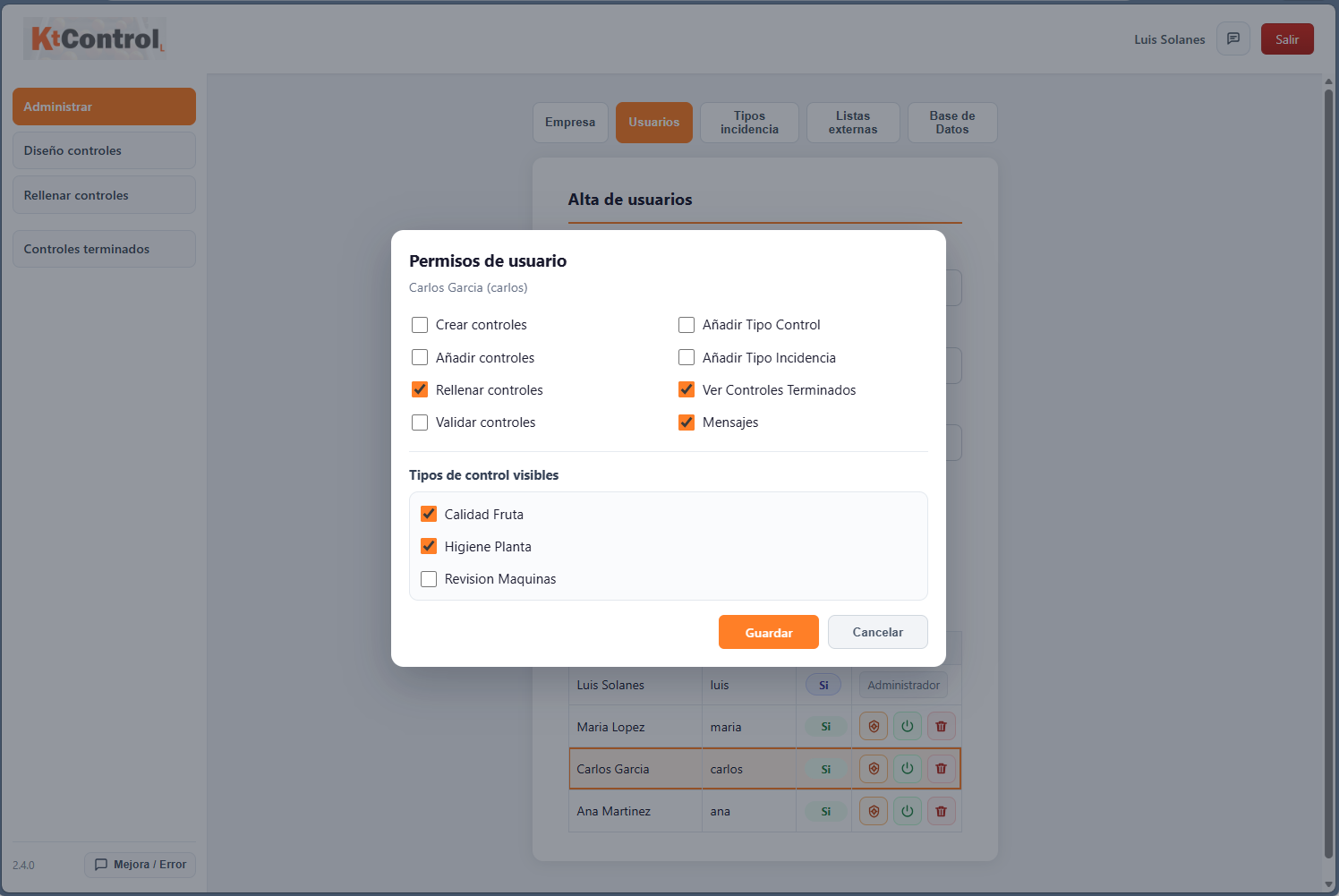
Access assignment according to each user's role.
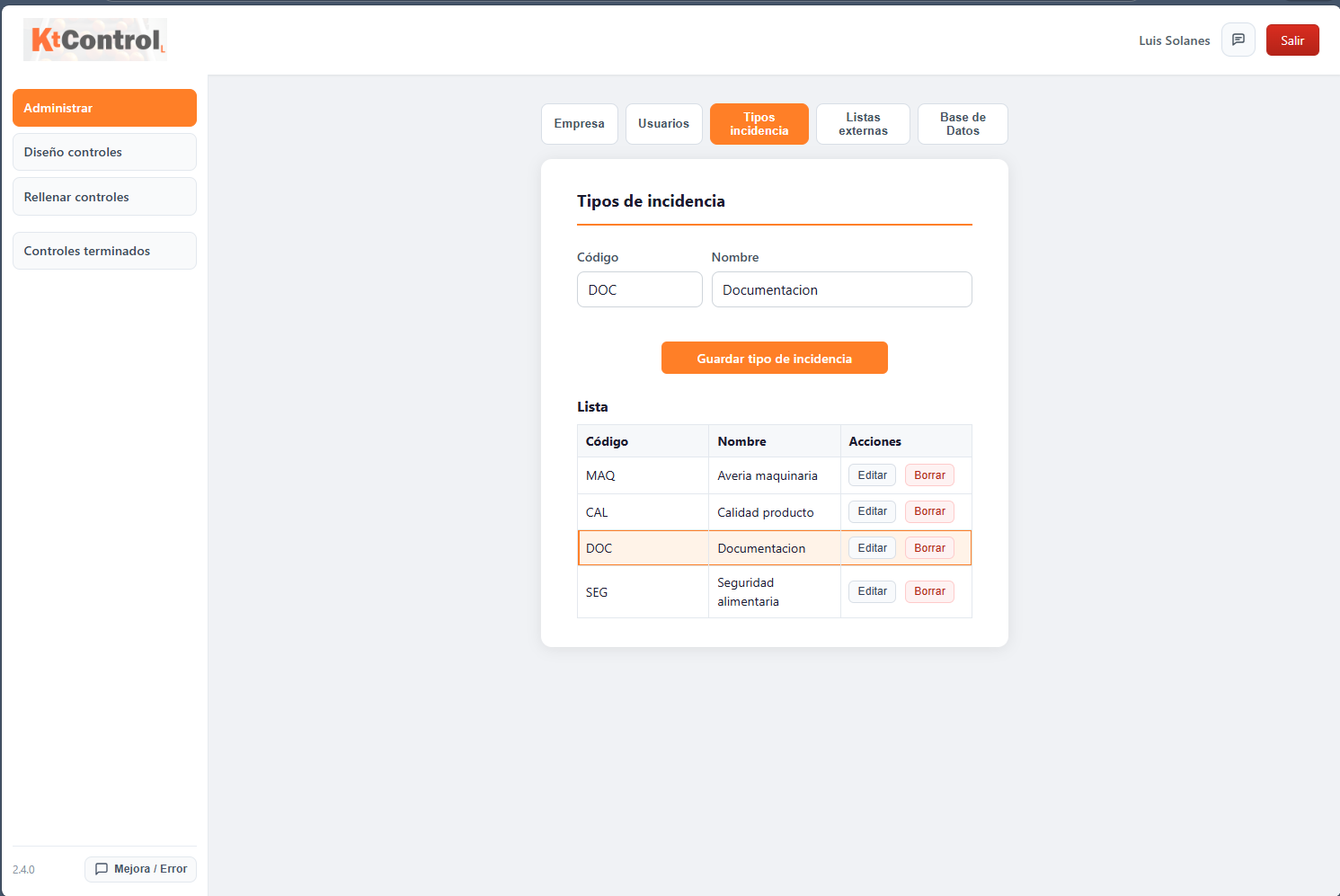
Classification of deviations and observations.
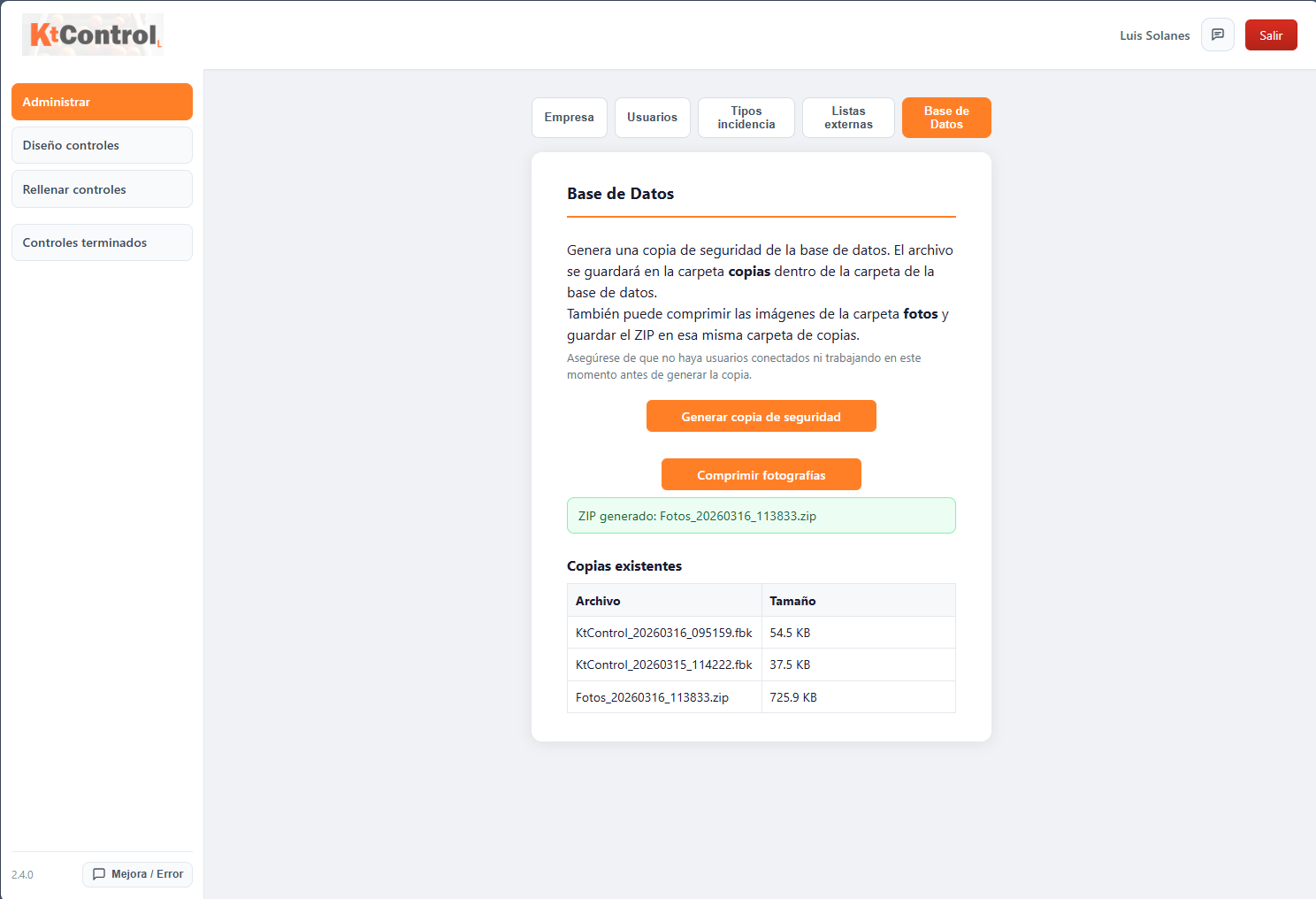
Backup management for database and images.
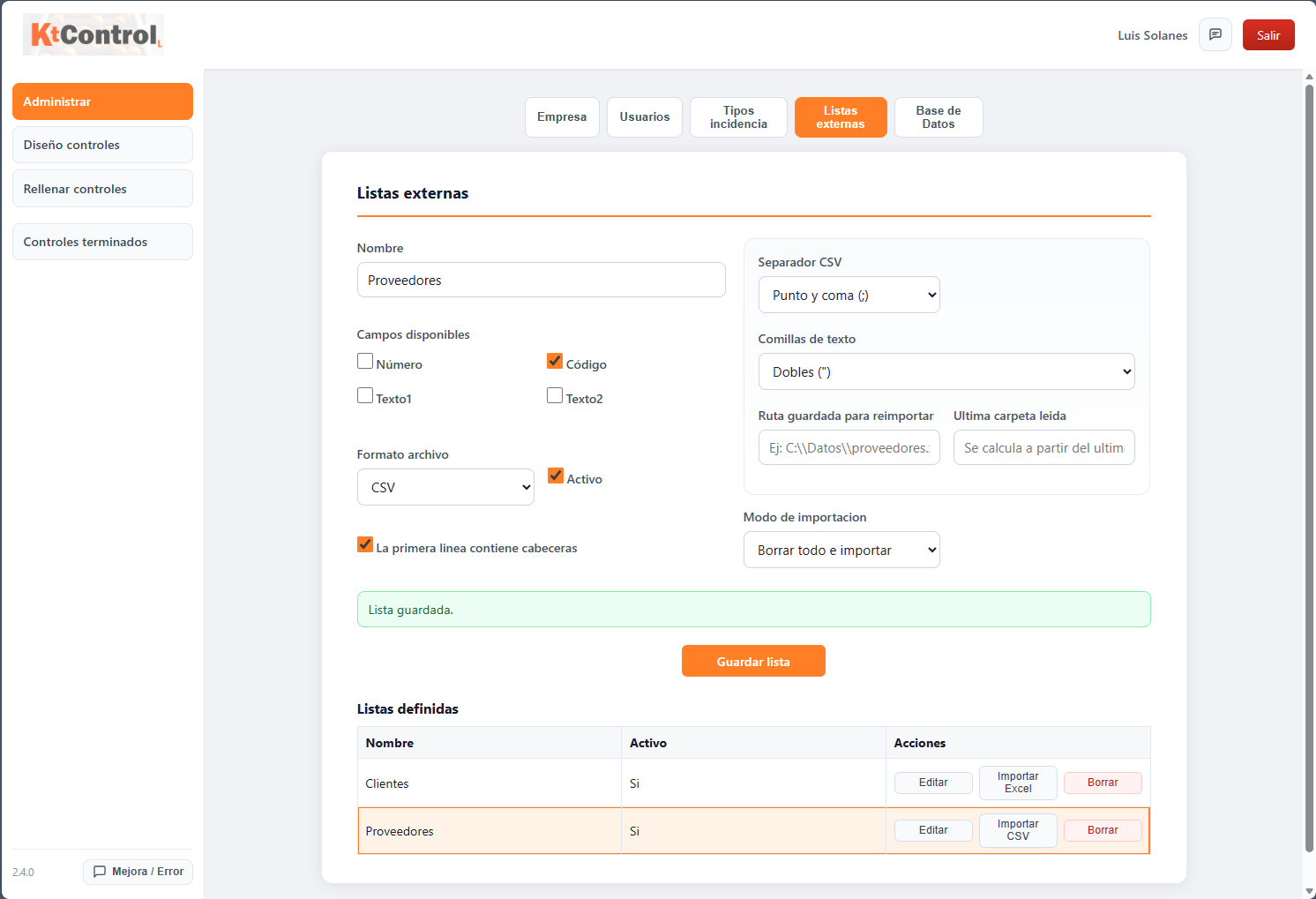
Reusable auxiliary lists inside forms.
The operational sections are also restored: control types, design, fields, filling in, incidents, photos, final review, printing, messages and use from mobile, PC and tablet.
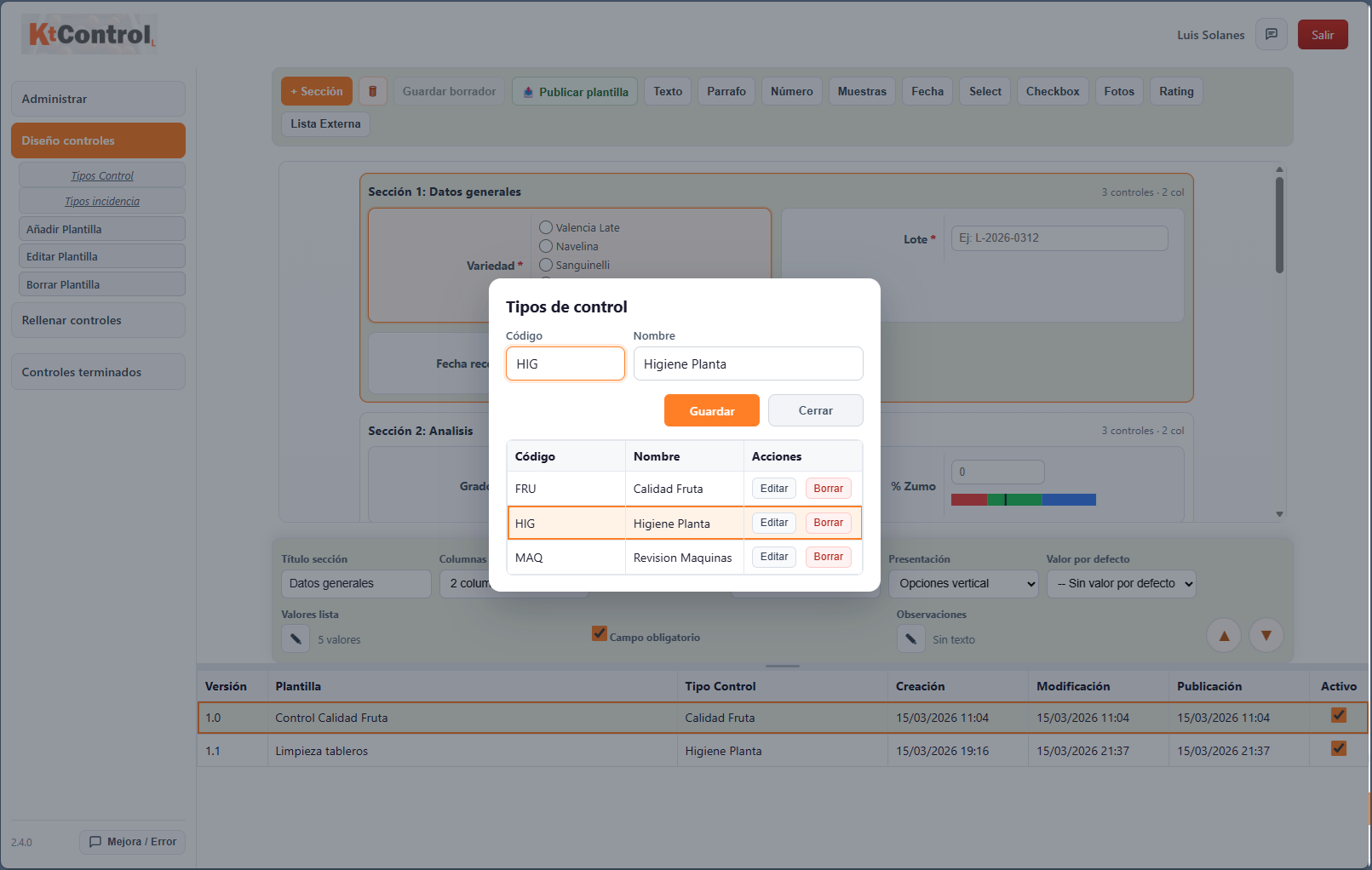
Control families used to organize designs and results.
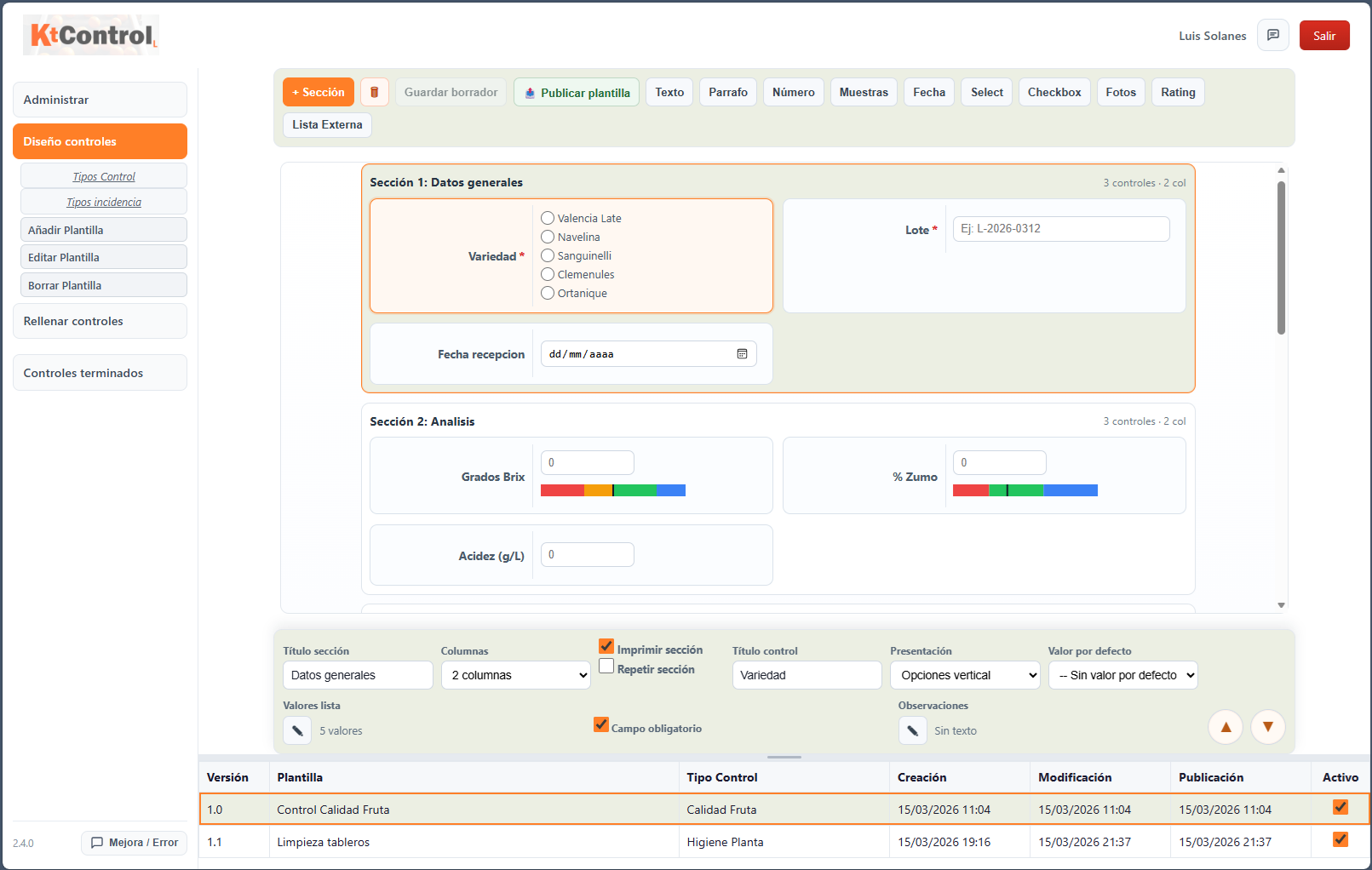
Creation of sections, versions and drafts.
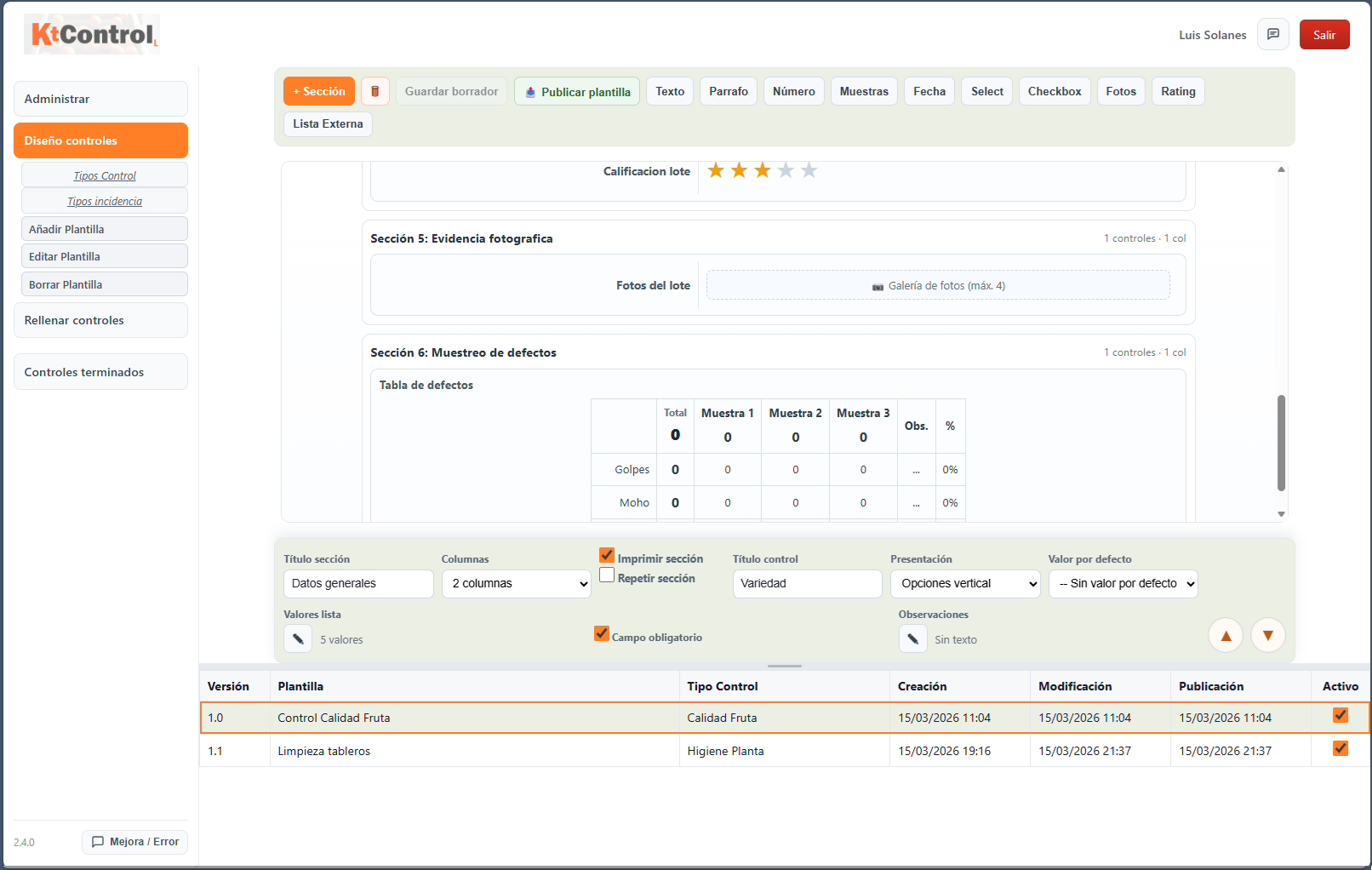
Detailed definition of fields and form order.
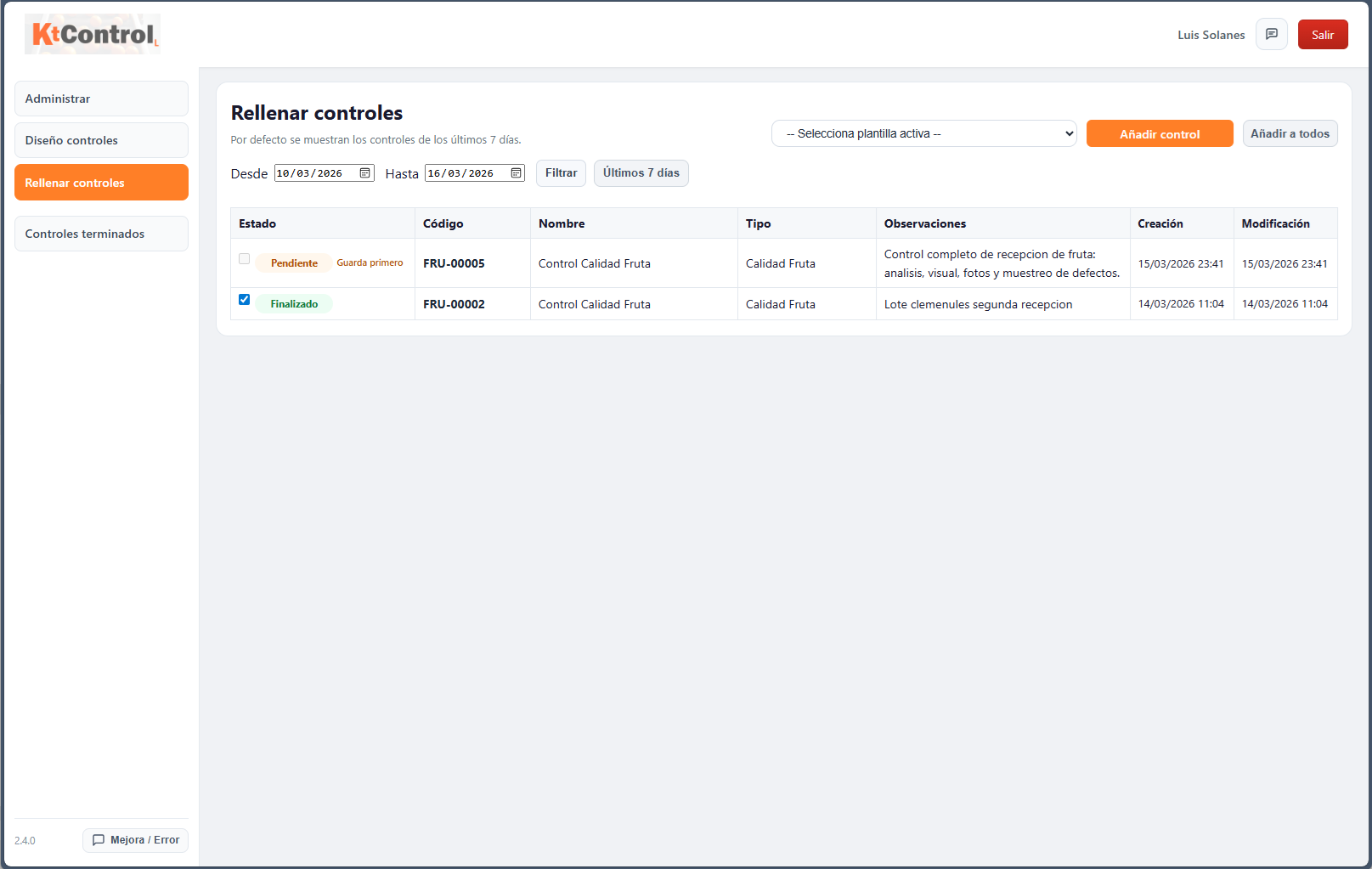
Capture of the running check by sections.
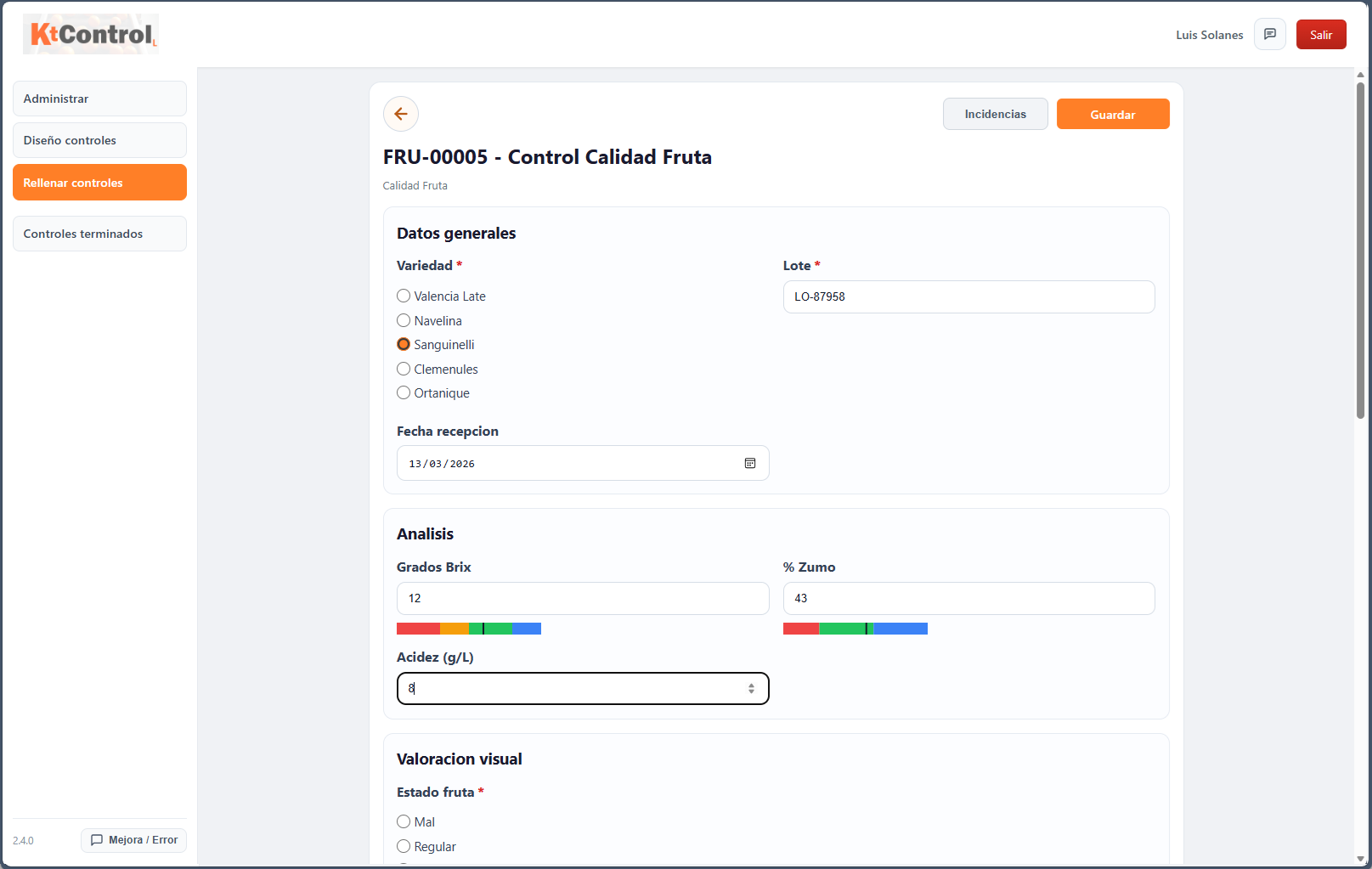
Support for text, date, numeric, lists, rating and notes.
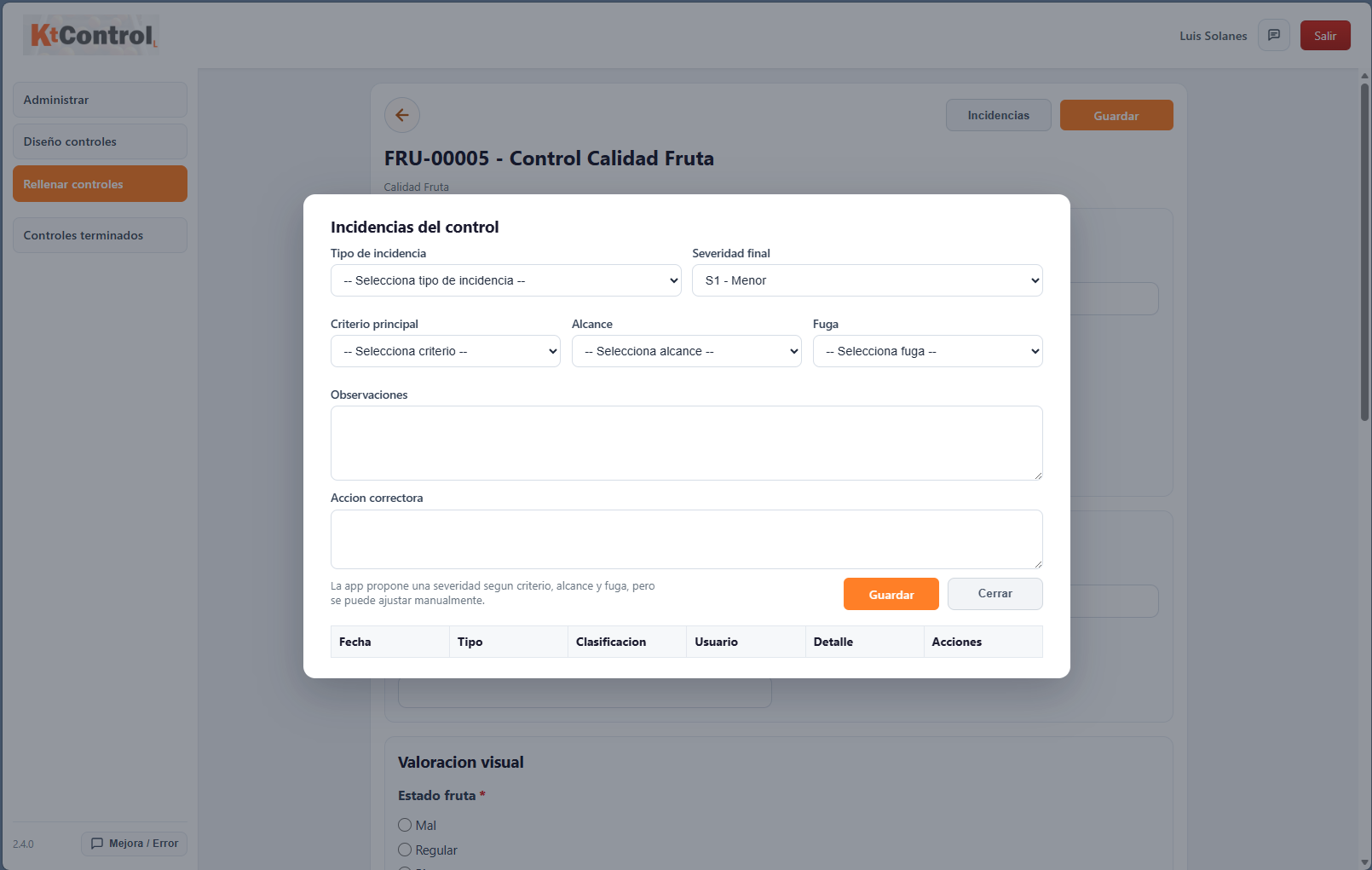
Immediate annotation of detected deviations.
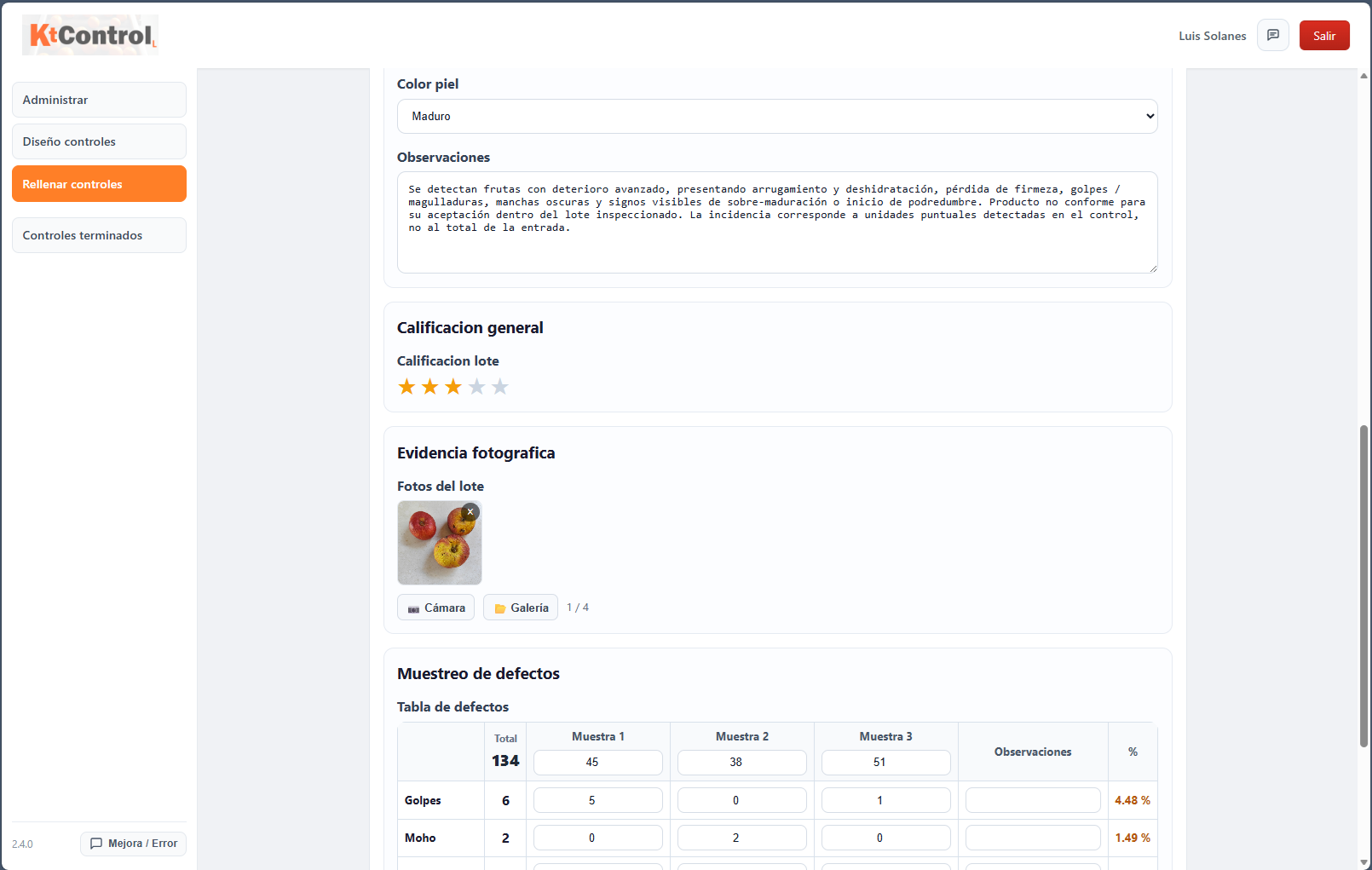
Photo attachments to reinforce traceability.
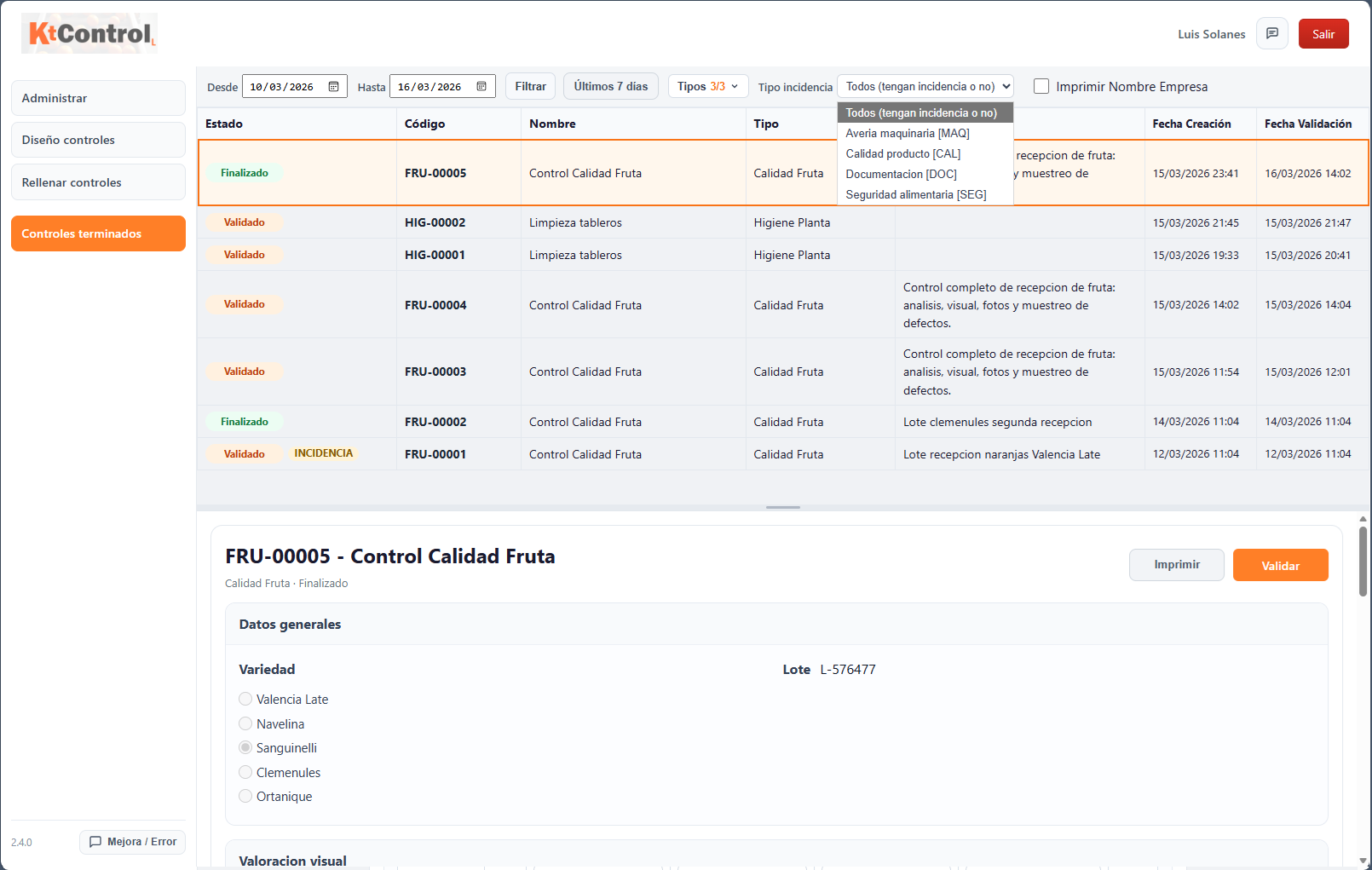
Final review with filters by date, type and issue.
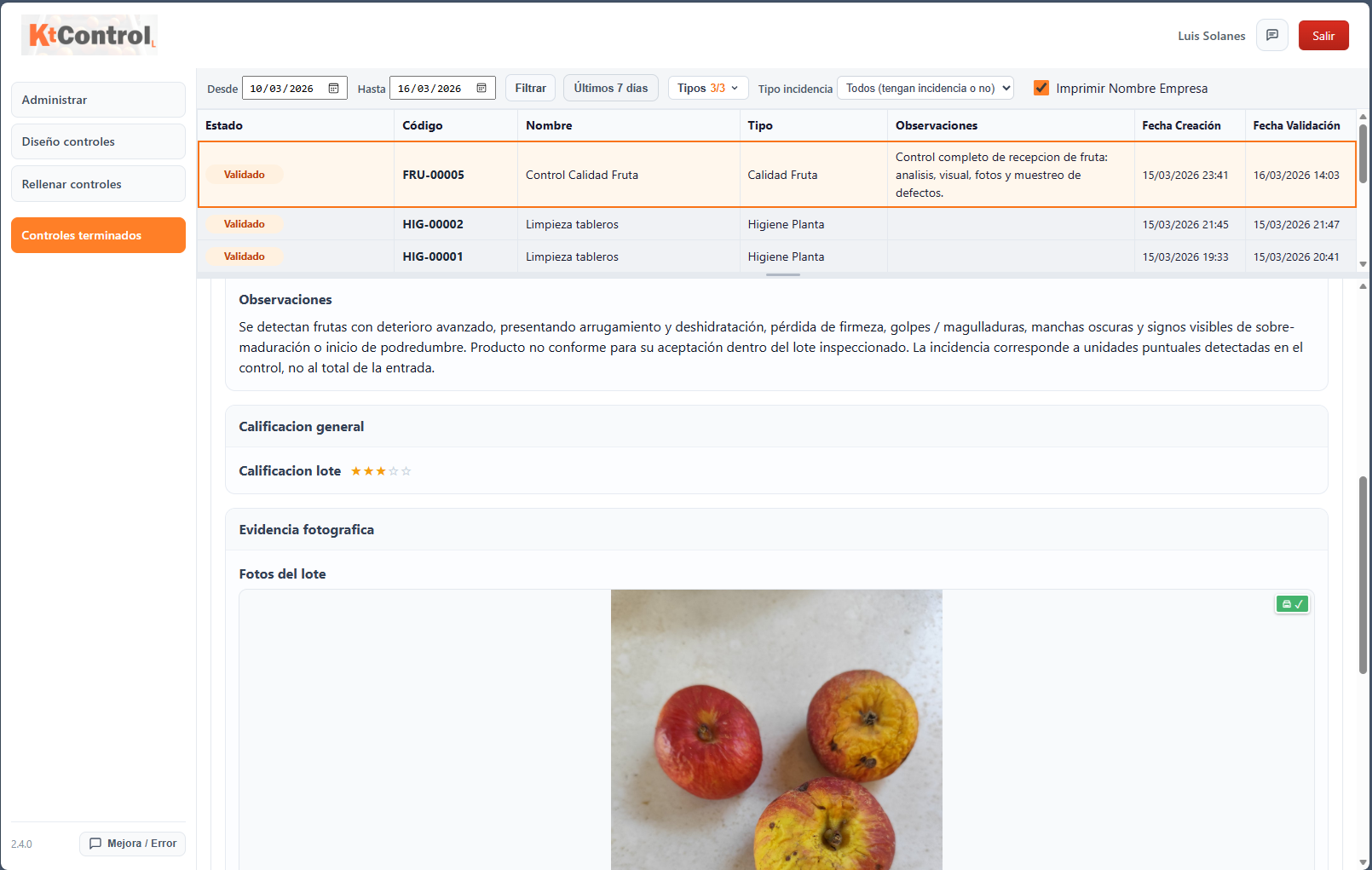
View images associated with the finished check.
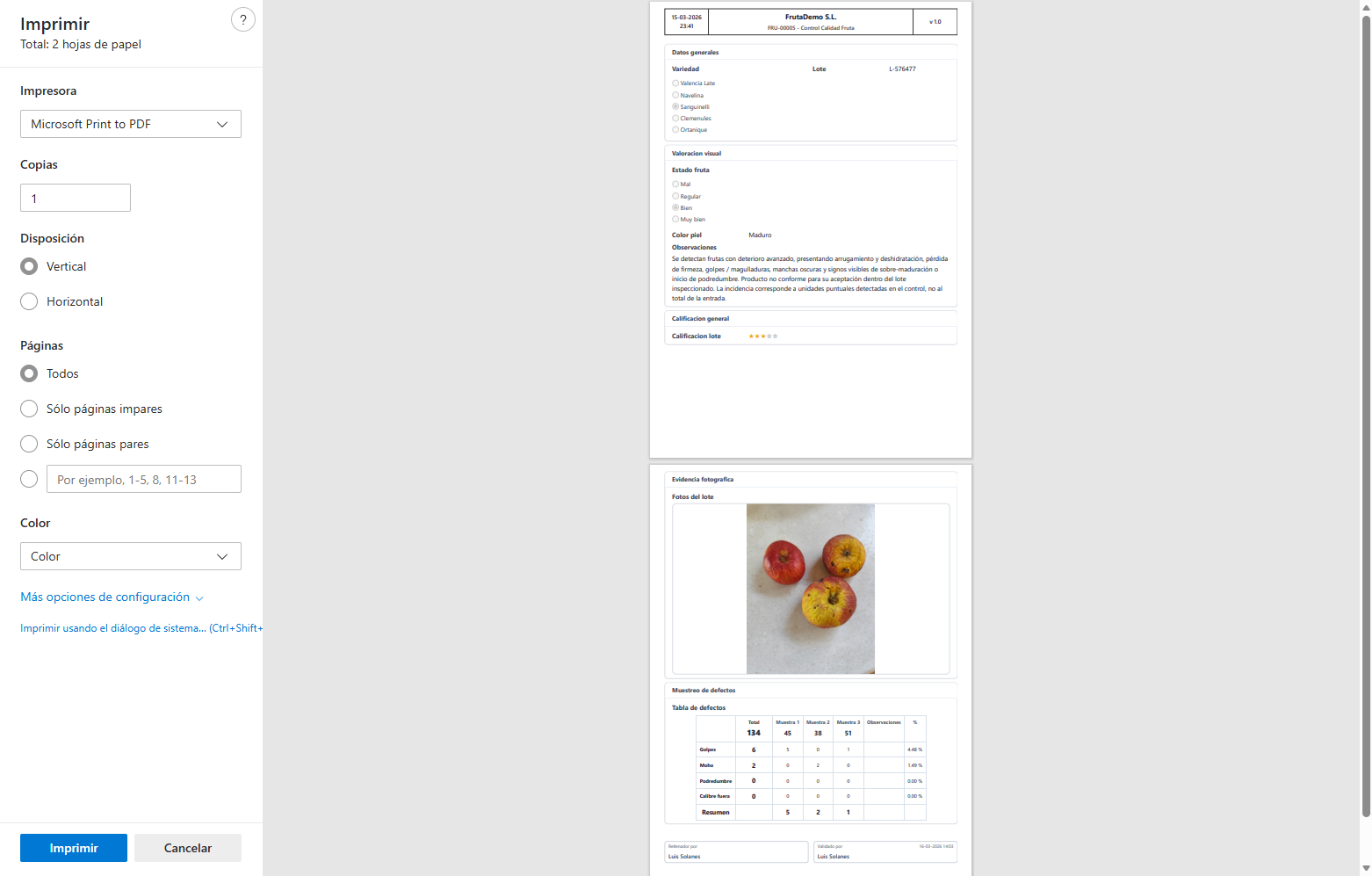
Paper or document output for filing and audit.
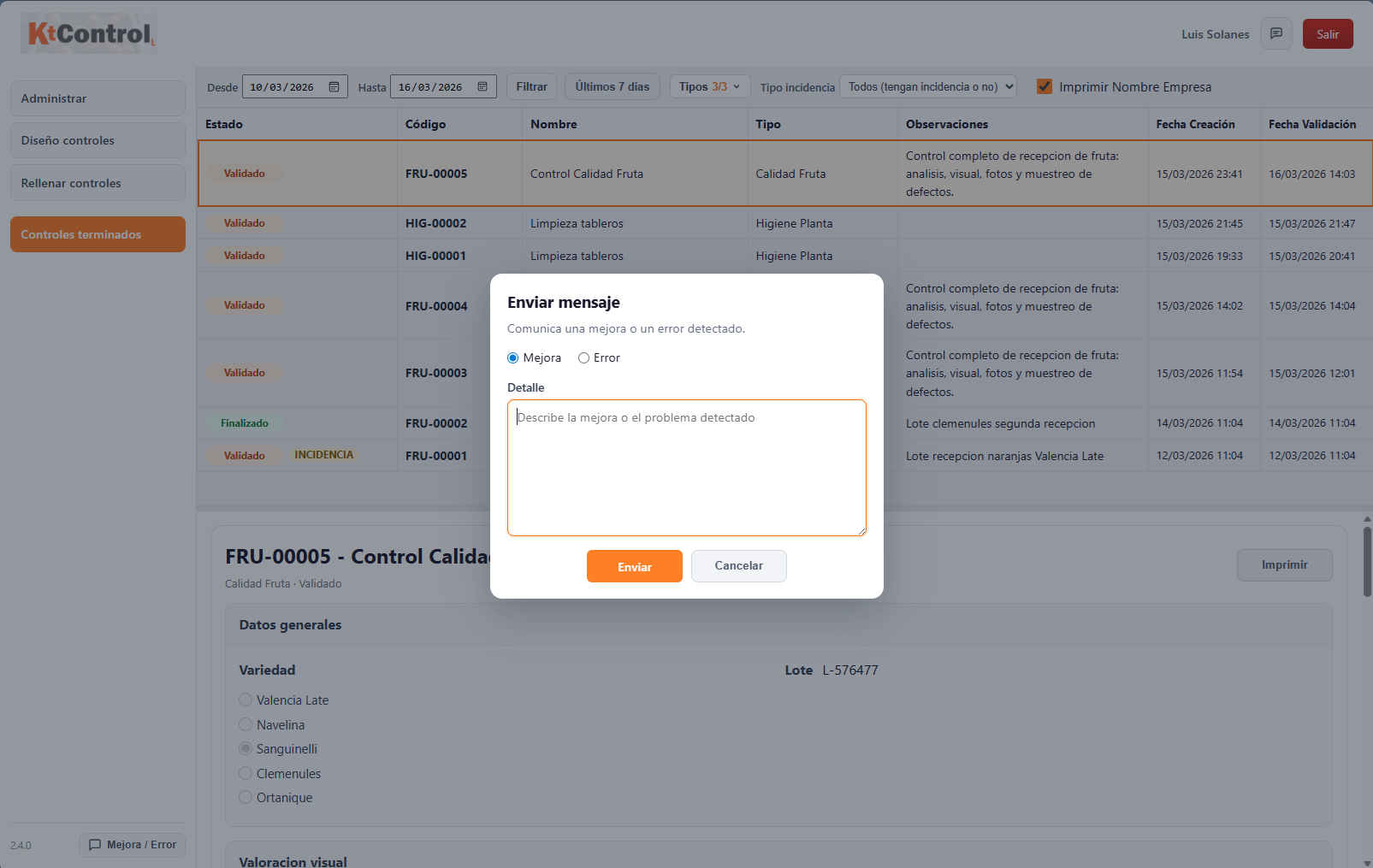
Channel to report improvements and functional issues.
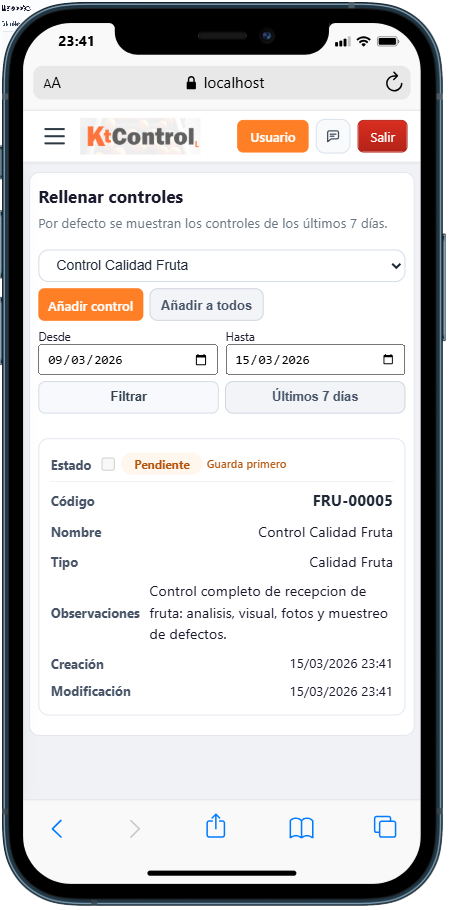
Capture data and photos from mobile.
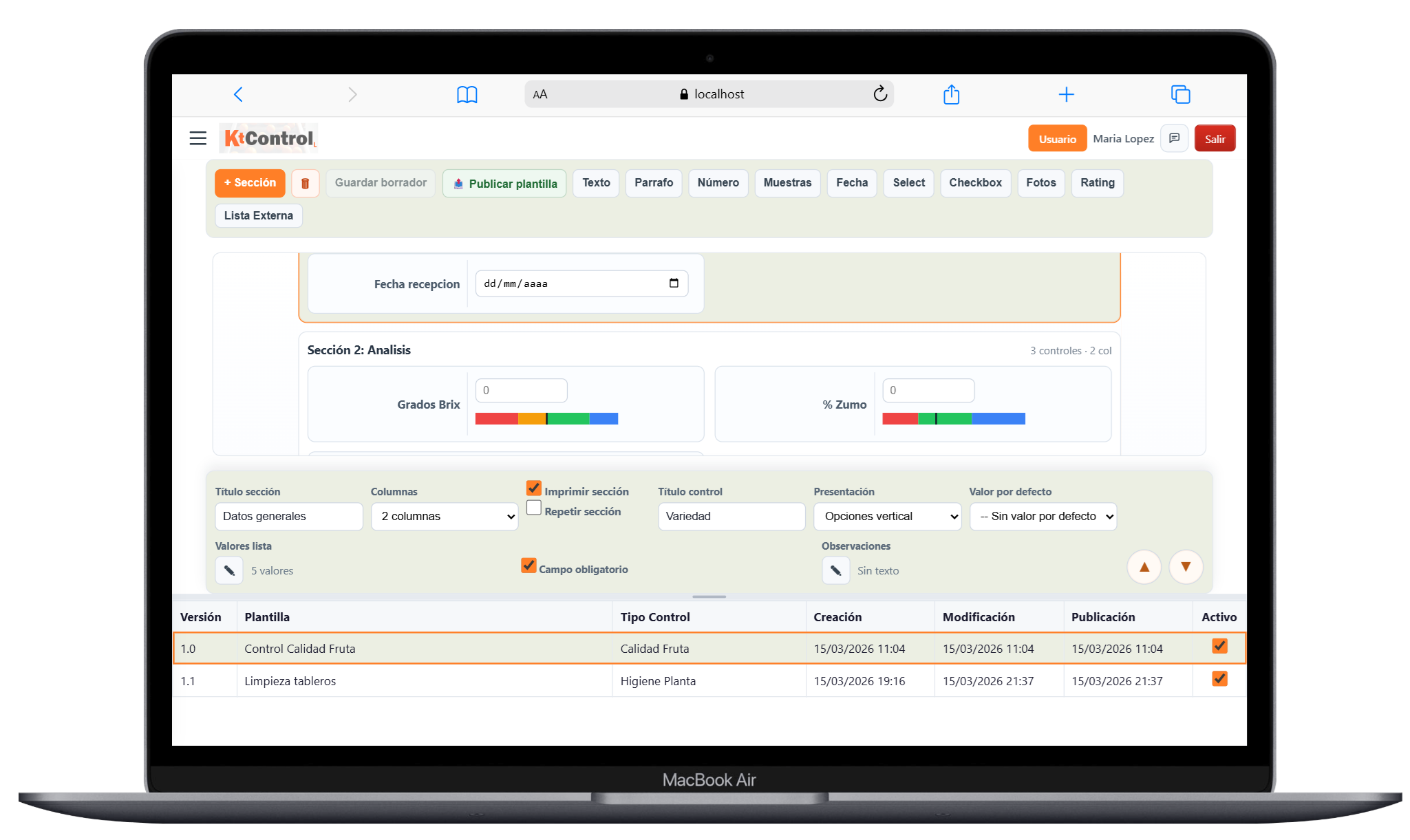
Comfortable environment for administration and design.
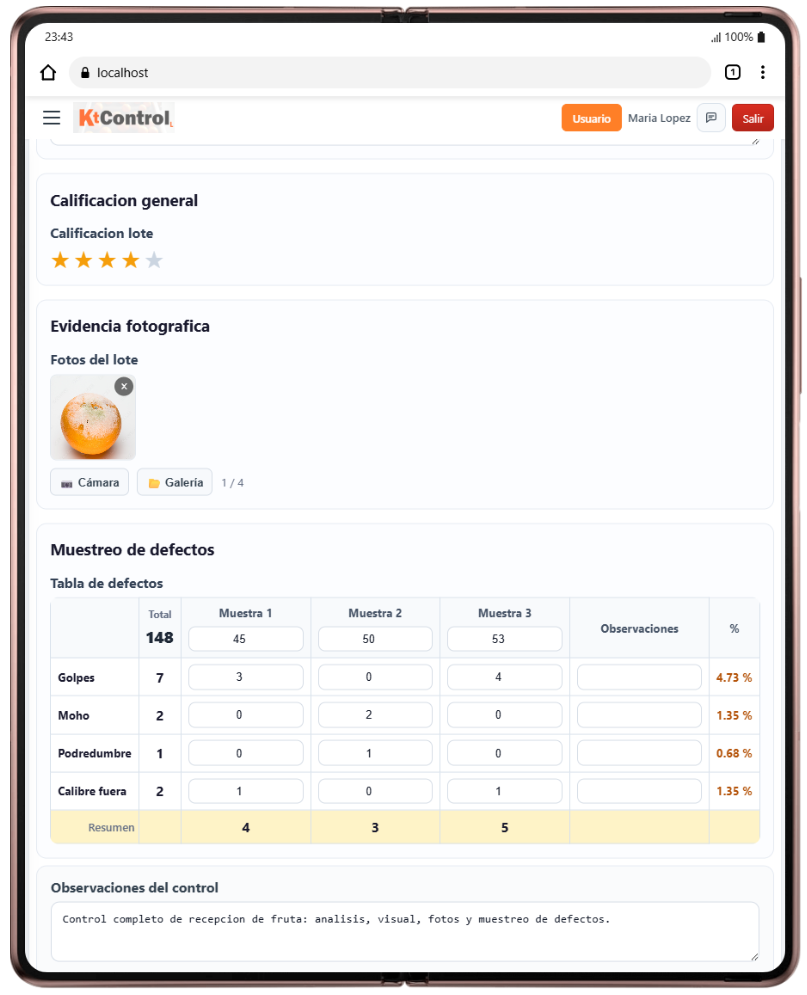
Balance between mobility and workspace.
Once the Windows service is installed and running, the application can be opened locally at http://localhost:8090. To access it from other computers on the same local network, use the IP of the machine where the service is installed, for example http://192.168.1.50:8090.
With this workflow, KtControl L covers the full quality control cycle: initial setup, administration, design, execution, incidents, final review and document validation.